




Best Laptop for 3D Architectural Rendering: 2026 Buyer's Guide

Share:
Table of Contents
- 1. Key takeaways
- 2. What to look for in the best laptop for 3D architectural rendering: Specs that actually matter
- 3. The best laptops for 3D architectural rendering in 2026
- • 3.1. ASUS ProArt P16 - best all-around value for creators
- • 3.2. Apple MacBook Pro 16 (M-series) - best display and battery
- • 3.3. Lenovo ThinkPad P16 Gen 3 - best certified workstation
- • 3.4. MSI CreatorPro X18 HX - best raw workstation power
- • 3.5. Razer Blade 16 (2026) - best premium consumer performance
- • 3.6. Acer Nitro V 16 AI - best budget option
- 4. Should we buy a workstation or outsource the rendering?
- 5. Frequently asked questions about the best laptop for 3D architectural rendering
- 6. Conclusion: match the machine to the work
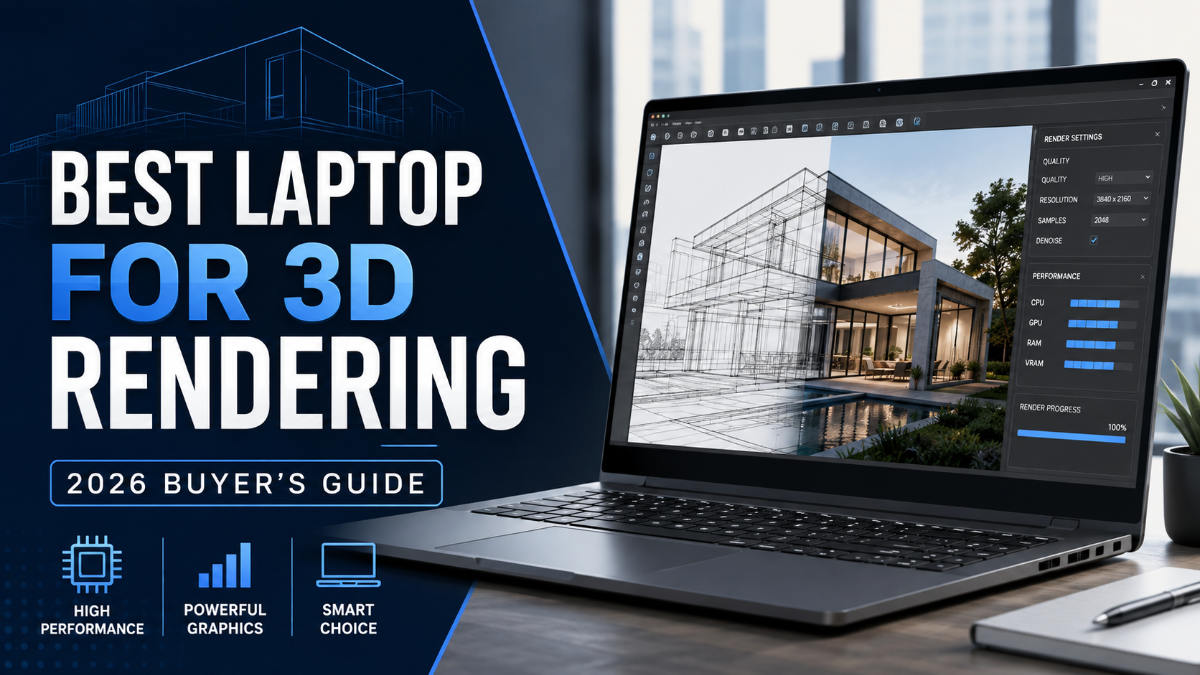
The best laptop for 3D architectural rendering is more than a high-spec device; it is the foundation of a fast, reliable visualization workflow. For architects, real estate developers promoting pre-sale properties, and 3D artists transforming floor plans into photorealistic scenes, every render places heavy demands on the CPU, GPU, memory, and cooling system. A single high-resolution architectural image can take several minutes or even hours to process, and an underpowered laptop turns that delay into a recurring bottleneck across revisions, animations, and client presentations. Choosing the right machine ultimately means reducing waiting time, improving real-time performance, and completing more projects without interrupting your creative process.
The challenge is that a “powerful laptop” can mean anything from a $1,200 gaming model to a $5,000 mobile workstation, and specifications alone do not reveal how smoothly a system will handle Revit, 3ds Max, Lumion, D5 Render, V-Ray, or other demanding software. Buying too little can slow down modeling, viewport navigation, and final rendering, while overspending may leave you with expensive hardware that rarely reaches its full potential. This guide explains which specifications genuinely affect architectural rendering performance, compares 2026-relevant laptop options across different budgets, and explores when outsourcing production may deliver better value than upgrading your hardware. It is designed for real estate and architectural professionals who care about finished visual quality, practical workflow improvements, and return on investment, not benchmark scores alone.
1. Key takeaways
- The best laptop for 3D architectural rendering pairs a fast multi-core CPU (Intel i7/i9 or Ryzen 7/9) with a dedicated NVIDIA RTX GPU, 32GB of RAM, and a color-accurate display.
- Expect to spend roughly $1,200 for a capable budget machine, $2,000–$2,500 for a strong all-rounder, and $3,000+ for a true mobile workstation.
- Real standouts include the ASUS ProArt Studiobook 16 OLED, MacBook Pro 16, Lenovo ThinkPad P16, and MSI CreatorPro X17HX; verify current configs and prices before buying.
- For teams with occasional or deadline-heavy rendering, outsourcing to a service like Fotober often delivers finished visuals faster and cheaper than buying and maintaining a workstation.
2. What to look for in the best laptop for 3D architectural rendering: Specs that actually matter
The specs that decide rendering performance are, in order, the GPU, the CPU, and the amount of RAM. Get those three right, and everything else is refinement. A laptop for architectural 3D modeling and rendering lives or dies on parallel compute power, because modern renderers like V-Ray, Lumion, D5, and Enscape lean heavily on the graphics card. Skimp on the GPU to save money and you'll feel it on every preview and every final frame, so treat it as the non-negotiable line item.
2.1. Graphics card (GPU)
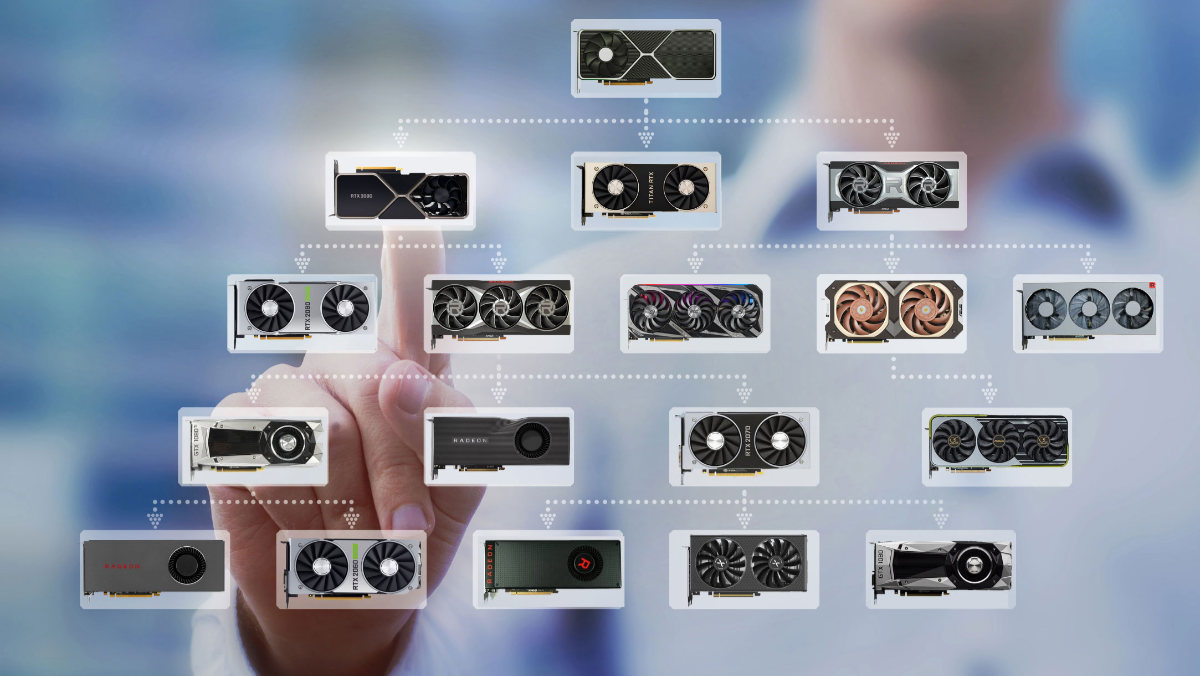
The GPU is the single most important component for architectural rendering, since GPU-accelerated engines can render many times faster than CPU-only ones. Look for a dedicated NVIDIA GeForce RTX card; an RTX 4060 is a sensible floor, while RTX 4070/4080/4090 mobile chips handle heavy scenes and real-time ray tracing comfortably. For certified stability in Autodesk software, professional NVIDIA RTX A-series (formerly Quadro) GPUs found in true workstations are the gold standard, though they carry a price premium most solo users don't need. NVIDIA's own Studio program certifies drivers for creative apps, which is a useful signal when comparing cards. When people ask what makes the best laptop for 3D architectural rendering, the honest answer almost always starts with the GPU.
2.2. Processor (CPU)
The CPU still matters for modeling, scene setup, and CPU-based renderers, so aim high here too. An Intel Core i7 or i9, or an AMD Ryzen 7 or 9, gives you the multi-core throughput that 3ds Max, Revit, and SketchUp reward. More cores speed up CPU rendering and let you keep modeling while a background render runs, which is exactly the kind of multitasking a busy architectural workflow demands. It's worth checking the official Autodesk system requirements for whatever software you run, since Revit, 3ds Max, and Civil 3D each list their own recommended processor tiers.
2.3. RAM, display, and storage
Treat 16GB of RAM as the bare minimum and 32GB as the real target, because large BIM models and high-poly scenes eat memory fast; 64GB is worth it for very large projects. Pair that with a color-accurate display, a 4K or high-resolution OLED/Mini LED panel covering 100% DCI-P3 or Adobe RGB, so your renders look the same to you as they will to the client. Finally, choose a fast SSD with at least 512GB, and preferably 1TB, since project files, texture libraries, and render caches consume space quickly.

One last practical factor is thermals and batteries. Sustained rendering pushes a laptop's cooling to its limit, and thin ultraportables throttle under long renders no matter how strong their spec sheet looks, so a slightly thicker chassis with better cooling often renders faster in the real world. Battery life matters too if you present on-site or work between offices, though heavy rendering will always drain a battery quickly regardless of the machine.
3. The best laptops for 3D architectural rendering in 2026
The best laptop for 3D architectural rendering depends on your budget and whether you live in Windows or macOS, so the picks below span from budget gaming machines to certified workstations. All prices are typical figures that shift with configuration and time, so confirm the current spec and cost before buying. Each of these is a real, well-reviewed model that meets or exceeds the spec targets above, and independent testing roundups such as ArchitectureLab's laptop reviews back up their suitability for CAD, Revit, and rendering. Rather than chase a single "winner," match the pick to how heavy your rendering workload really is.
The six laptops below cover that range, from an affordable GPU-equipped model to professional mobile workstations built for demanding commercial production. Prices are approximate U.S. figures as of 2026 and can change significantly with RAM, GPU, storage, and display configuration. Rather than looking for one universal winner, use the table below to identify the category that best matches your actual workload.
|
Laptop |
Best for |
GPU options |
Memory |
Approx. price |
Main trade-off |
|
ASUS ProArt P16 |
Best all-around creator laptop |
RTX 5070–5090 |
Up to 64GB |
$2,400–$5,500 |
Premium configurations become expensive |
|
MacBook Pro 16 M5 Pro / M5 Max |
Best display and battery life |
Integrated Apple GPU |
High-capacity unified memory |
From $2,699 |
Limited compatibility with some Windows-only visualization software |
|
Lenovo ThinkPad P16 Gen 3 |
Best certified workstation |
Up to RTX PRO 5000 Blackwell |
Up to 192GB |
About $3,800–$9,000+ |
Heavy and considerably more expensive |
|
MSI CreatorPro X18 HX |
Best workstation expansion and sustained power |
RTX 3500 / 5000 Ada |
Up to 192GB |
About $2,900–$7,000+ |
Large 18-inch chassis with limited portability |
|
Razer Blade 16 (2026) |
Best premium consumer GPU performance |
RTX 5070 Ti–5090 |
32GB+ |
$3,500–$4,900+ |
High price for non-workstation hardware |
|
Acer Nitro V 16 AI |
Best budget option |
RTX 5050–5070 |
16GB+, upgradeable |
About $850–$1,300 |
Display and build quality are less suited to final professional review |
For architects and visualization artists who want a balance between GPU performance, display quality, and portability, ASUS remains one of the strongest places to start.
3.1. ASUS ProArt P16 - best all-around value for creators
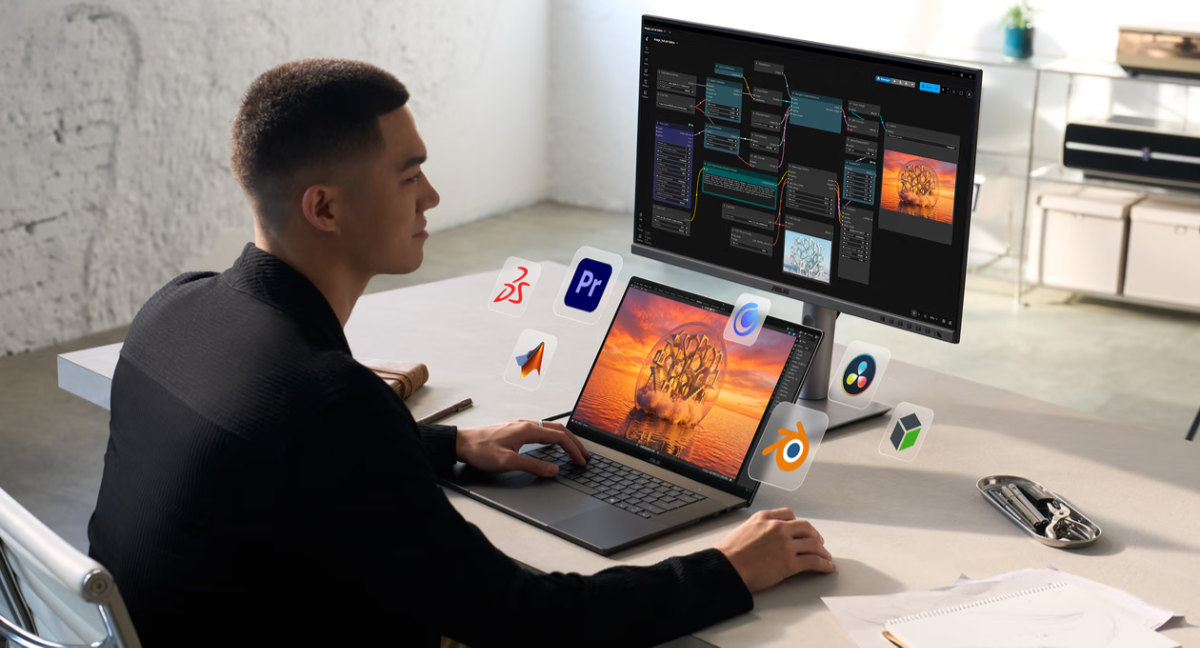
The ASUS ProArt P16 is one of the most balanced choices for architects and visualization professionals. Current configurations pair an AMD Ryzen AI 9 HX processor with NVIDIA RTX 50-series graphics, up to 64GB RAM, and a 16-inch OLED display covering 100% DCI-P3. It handles Revit, SketchUp, 3ds Max, V-Ray, Lumion, and D5 while remaining significantly more portable than a traditional workstation.
Price: Approximately $2,400–$5,500, depending primarily on GPU and storage.
Pros:
- Strong CPU/GPU balance for modeling and rendering.
- Excellent OLED display for color-sensitive work.
- Up to 64GB RAM.
- More portable than most workstations.
Cons:
- RTX 5090 configurations are expensive.
- Lower maximum RAM than professional workstations.
- Thin chassis offers less sustained cooling than larger machines.
For most independent architects and 3D artists, the ProArt P16 is arguably the strongest all-around choice without moving into enterprise workstation pricing.
3.2. Apple MacBook Pro 16 (M-series) - best display and battery
The 16-inch MacBook Pro is the strongest option for professionals already working inside the macOS ecosystem. M5 Pro and M5 Max models combine powerful Apple silicon, high-capacity unified memory, an excellent Liquid Retina XDR display, and much longer battery life than most high-performance Windows laptops.
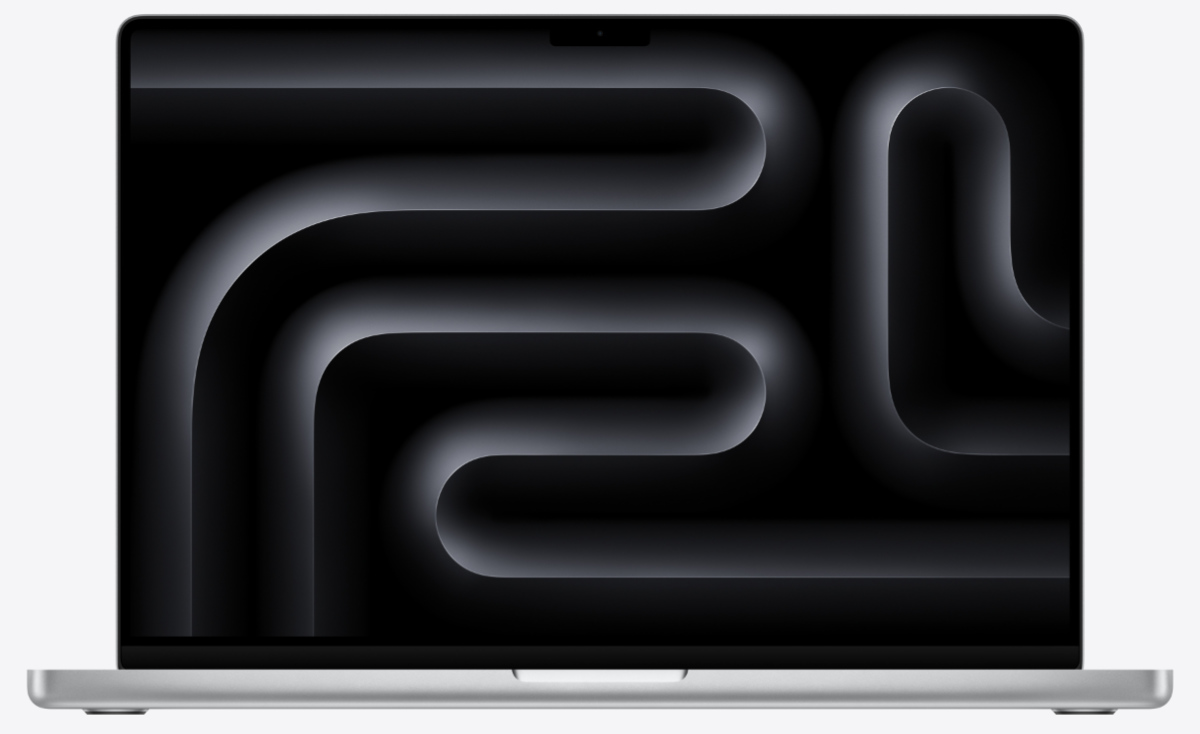
The main concern is compatibility. Applications such as 3ds Max and several NVIDIA CUDA-dependent rendering workflows remain better suited to Windows.
Price: From approximately $2,699 for M5 Pro and $3,899 for M5 Max, with high-memory configurations costing considerably more.
Pros:
- Outstanding display quality.
- Excellent battery life.
- Quiet and portable.
- Strong performance in macOS-optimized creative applications.
Cons:
- No NVIDIA CUDA support.
- 3ds Max does not run natively.
- RAM and storage cannot be upgraded later.
- High-end configurations become expensive quickly.
Choose the MacBook Pro primarily when your entire architectural software stack is already compatible with macOS.
3.3. Lenovo ThinkPad P16 Gen 3 - best certified workstation
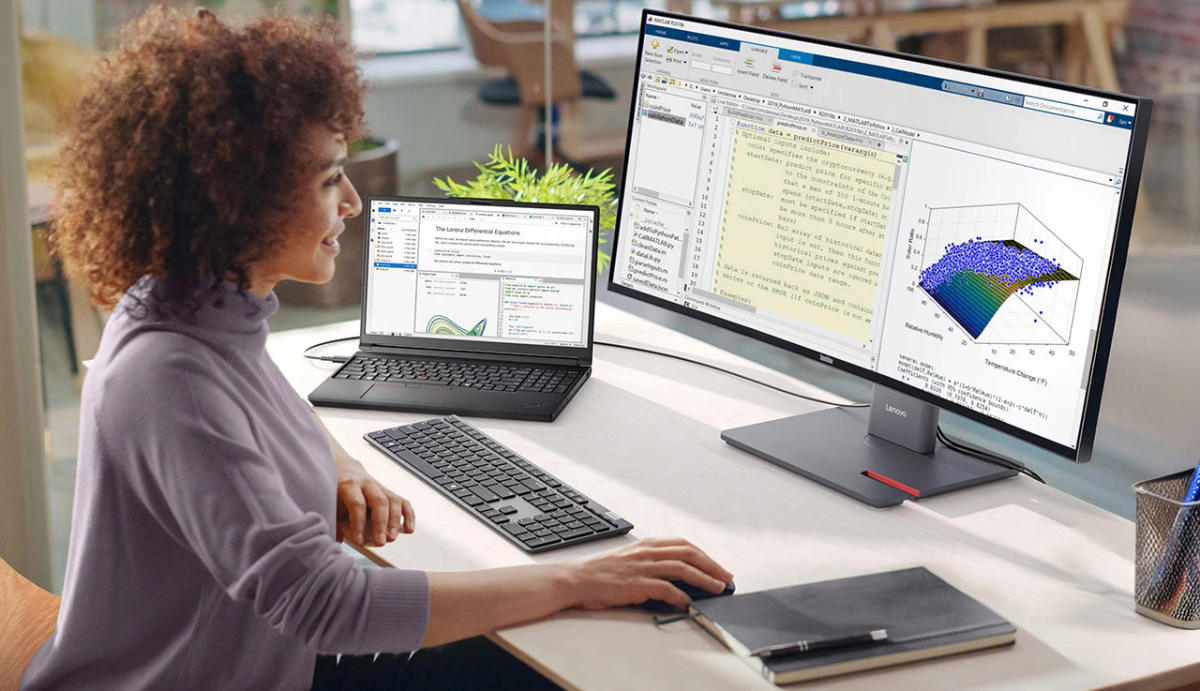
The ThinkPad P16 Gen 3 is designed for large BIM models, complex CAD files, and demanding professional workflows. It supports Intel Core Ultra HX processors, NVIDIA RTX PRO graphics up to the RTX PRO 5000, as much as 192GB of RAM, and multiple high-capacity SSDs.
Its workstation-class graphics and professional software support make it particularly suitable for studios where stability and large-project performance matter more than portability.
Price: Roughly $3,800–$9,000+, depending on GPU, memory, display, and storage.
Pros:
- Up to 192GB RAM.
- Professional RTX PRO graphics.
- Strong upgradeability.
- Suitable for BIM, CAD, and large visualization projects.
Cons:
- Heavy and bulky.
- Much more expensive than creator laptops.
- Overkill for occasional rendering.
For architecture firms running complex Autodesk and visualization workflows every day, the additional cost can be justified by stability and expansion capacity.
3.4. MSI CreatorPro X18 HX - best raw workstation power
The MSI CreatorPro X18 HX is effectively a portable desktop workstation. Its Core i9 HX processors, professional NVIDIA RTX graphics, up to 192GB RAM, and optional 18-inch UHD+ Mini LED display make it suitable for large scenes, 3D animation, BIM, and prolonged rendering sessions.
Its large chassis also allows stronger cooling than thin creator laptops, helping maintain performance during lengthy CPU and GPU workloads.
Price: Approximately $2,900–$7,000+ depending on configuration.
Pros:
- Excellent sustained CPU and GPU performance.
- Up to 192GB RAM.
- Professional RTX graphics.
- Large, color-accurate display options.
Cons:
- Around 3.6kg before the charger.
- Difficult to commute with.
- High-end versions are very expensive.
It is best viewed as a workstation that can be transported rather than a laptop designed for everyday mobility.
3.5. Razer Blade 16 (2026) - best premium consumer performance
The Razer Blade 16 combines NVIDIA RTX 5070 Ti through RTX 5090 graphics with a premium, relatively slim chassis. Its powerful consumer GPUs make it particularly effective for Blender, D5 Render, Lumion, Unreal Engine, and GPU-based rendering.
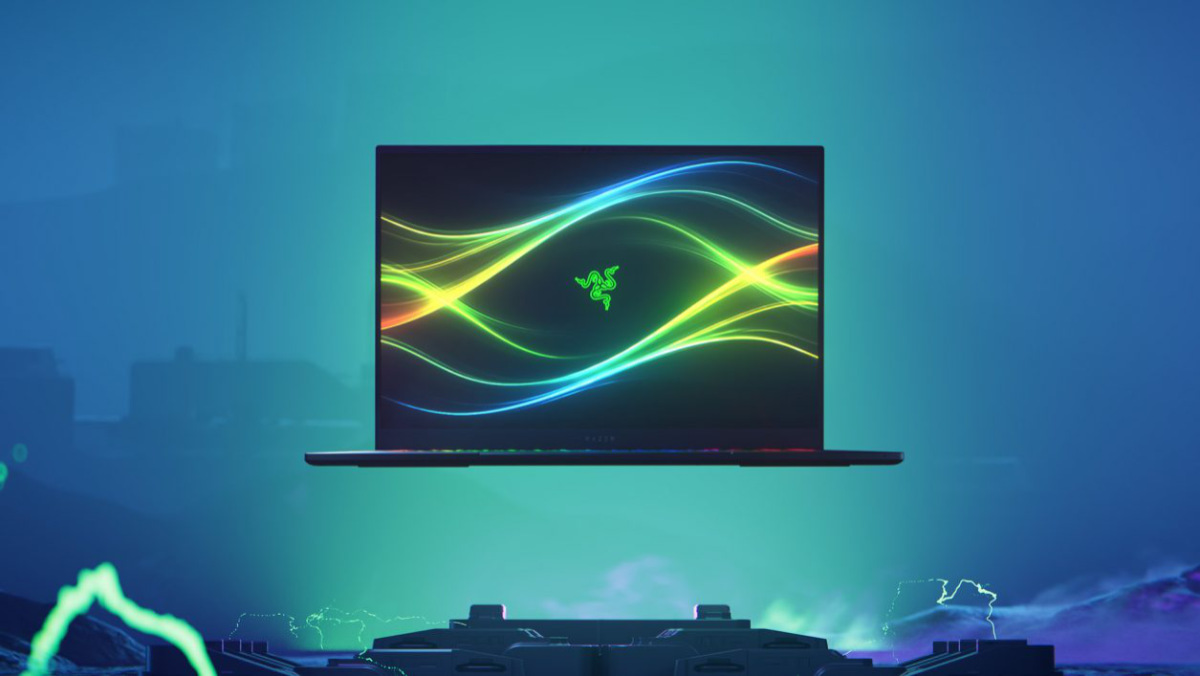
Unlike heavier mobile workstations, it also looks and feels like a conventional premium laptop, making it easier to use for both production and client presentations.
Price: Approximately $3,500 - $4,900+ depending on GPU.
Pros:
- Excellent GPU rendering performance.
- RTX 5090 option with substantial VRAM.
- High-quality OLED display.
- Much more portable than workstation-class alternatives.
Cons:
- Expensive for consumer hardware.
- Less workstation certification.
- Thin design limits cooling compared with larger systems.
For solo visualization professionals who prioritize NVIDIA GPU performance without wanting a bulky workstation, the Blade 16 is a compelling option.
3.6. Acer Nitro V 16 AI - best budget option
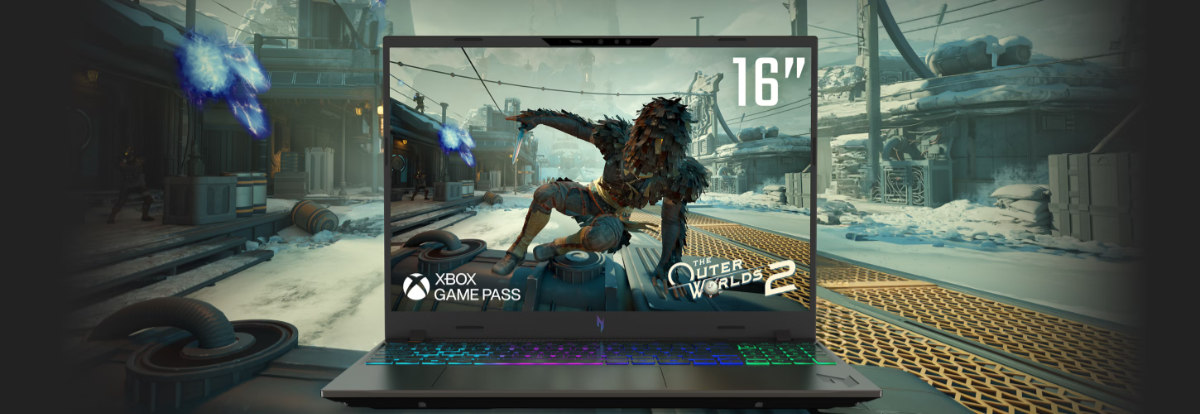
The Acer Nitro V 16 AI provides dedicated RTX graphics at a fraction of workstation pricing. Configurations with RTX 5050, RTX 5060, or RTX 5070 GPUs can comfortably handle SketchUp, Revit, Blender, and moderate Lumion or D5 projects.
The compromise is a more basic display and chassis. Entry models also commonly ship with 16GB RAM, so upgrading to 32GB is recommended for serious architectural work.
Price: Approximately $850 - $1,300 depending on GPU and current promotions.
Pros:
- Excellent performance for the price.
- Dedicated NVIDIA RTX graphics.
- Upgradeable RAM and storage.
- Good entry point for students and freelancers.
Cons:
- Display is less suitable for color-critical work.
- 16GB configurations need upgrading.
- Lower-end GPUs struggle with very large scenes.
- Less refined construction and cooling.
The Nitro V 16 AI is a sensible starting point if you are learning architectural visualization or only need occasional rendering power.
Overall, the best laptop for 3D architectural rendering is the one that matches the scale of your actual workload. The ASUS ProArt P16 provides the best balance for most users, while the ThinkPad P16 and MSI CreatorPro suit studios working with massive scenes and continuous rendering. The MacBook Pro remains excellent for compatible macOS workflows, the Razer Blade prioritizes GPU performance, and the Acer Nitro offers the most accessible entry point.
There is little value in spending $5,000 on workstation hardware if your projects rarely use its full capacity. For occasional high-end production, a capable mid-range laptop combined with outsourced final rendering can sometimes deliver a better return than investing heavily in hardware that spends most of its time idle.
4. Should we buy a workstation or outsource the rendering?
Before you spend $2,000 - $5,000 on hardware, it's worth asking whether you actually need to own the render pipeline at all. Buying the best laptop for 3D architectural rendering is a real, recurring cost: the machine depreciates, high-end rendering runs the fan hot and shortens its life, and in two or three years you'll be shopping again. If rendering is only an occasional part of your work, a few listings, a pre-sale brochure, a client pitch, that capital may be better spent elsewhere while a service handles the heavy frames.
Consider the arithmetic. A $3,500 mobile workstation, amortized over three years, is a fixed cost you pay whether you render one project a month or twenty, plus electricity, the occasional repair, and the productivity lost while your only machine is tied up on a long render. Outsourced rendering, by contrast, converts that fixed cost into a variable one you pay only when you actually have images to produce, which is exactly what you want when project flow is uneven, as it is for most agents and boutique studios.
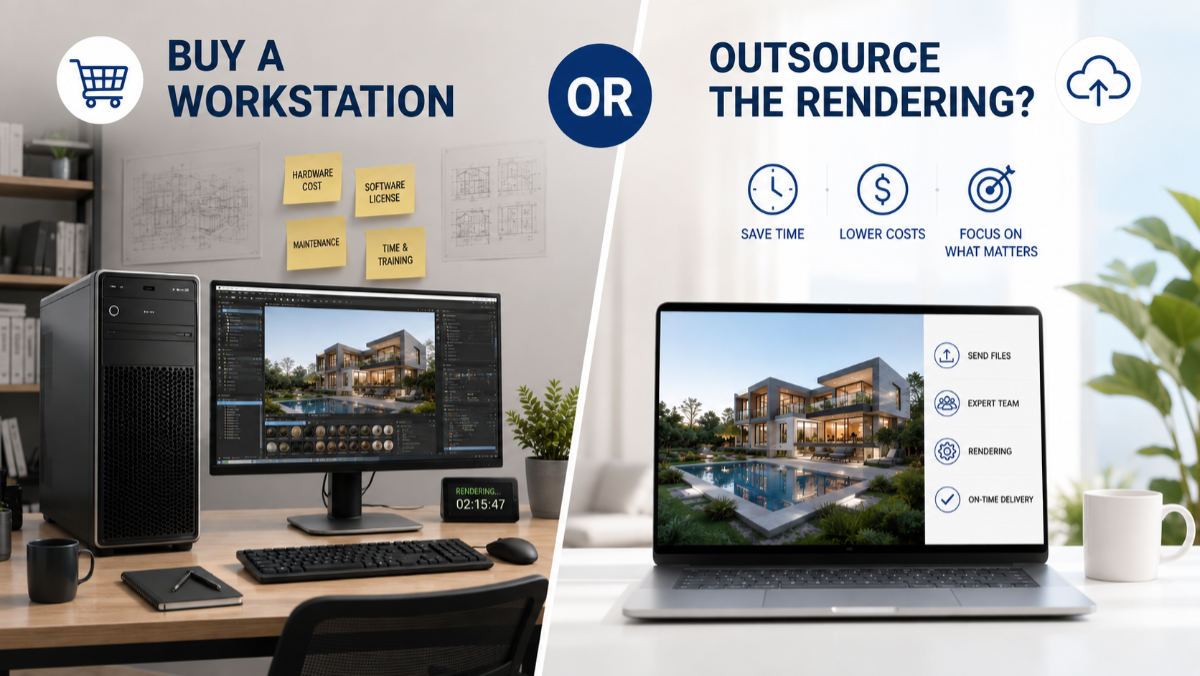
That's the case for outsourcing. Instead of buying a workstation, you send your model or brief to a specialist and receive finished, photorealistic images back, priced per image rather than per laptop. Fotober's professional 3D rendering service does exactly this for real estate developers, agents, and architects, covering the different types of 3D rendering from interiors and exteriors to full scenes like a photorealistic rendering of a modern house. The math often favors it: one high-end mobile workstation can cost more than dozens of outsourced renders, with none of the maintenance or render-time waiting.
There's a workflow benefit beyond cost, too. When you outsource, your laptop stays free to model, draft, and meet clients while rendering processes on someone else's hardware, so a single deadline no longer ties up your only machine for hours. That parallelism is hard to replicate on one laptop no matter how powerful it is, and it's a big reason busy studios blend owning and outsourcing rather than betting everything on the best laptop for 3D architectural rendering they can afford.
The honest answer is that it's not either-or. Many professionals keep a solid mid-range laptop for modeling and day-to-day work, then outsource final high-resolution or high-volume renders to clear deadlines without buying the most expensive machine on the market. Decide based on how central rendering is to your revenue: if you render all day, buy the workstation; if you render in bursts, let a service absorb the peaks while you keep a lighter, cheaper laptop.
5. Frequently asked questions about the best laptop for 3D architectural rendering
Q: What is the minimum spec for a laptop for 3D architectural rendering?
A: The practical minimum is an Intel Core i7 or Ryzen 7 CPU, a dedicated NVIDIA RTX 4060 GPU, 16GB of RAM, and a 512GB SSD. That handles modeling and moderate rendering, but 32GB of RAM and an RTX 4070 or better are the target for smooth, professional work.
Q: Is a MacBook good for architectural rendering?
A: Yes, for macOS-friendly workflows. The MacBook Pro 16's M-series chips and unified memory render efficiently in supported apps and drive a superb display. The caveat is that some Windows-only renderers and Autodesk plugins may not run natively, so confirm your specific software is Mac-compatible first.
Q: Do I need a workstation GPU (RTX A-series) or is a gaming RTX enough?
A: For most solo architects, a consumer GeForce RTX (4070 and up) is plenty and far cheaper. Professional RTX A-series GPUs add ISV-certified drivers and stability that matter mainly to studios running mission-critical Autodesk pipelines where crashes are costly.
Q: How much should I spend on a rendering laptop?
A: Budget around $1,200 for a capable entry machine, $2,000–$2,500 for a strong all-rounder like the ASUS ProArt Studiobook, and $3,000 or more for a certified mobile workstation. Match the spend to how much rendering you actually do rather than buying the most expensive option by default; the best laptop for 3D architectural rendering is the one whose cost is justified by your rendering volume.
Q: What software do these laptops need to run?
A: Most architectural workflows run some mix of AutoCAD, Revit, SketchUp, 3ds Max, Lumion, D5, Enscape, or V-Ray. Each has published minimum and recommended specs, and the recommended tier, not the minimum, is what you should match. A laptop that only meets minimums will technically launch the software but crawl during rendering.
Q: Is it cheaper to outsource rendering than to buy a laptop?
A: Often, yes, especially for occasional or deadline-driven work. Outsourced rendering is priced per image, so a handful of projects can cost far less than a $3,000+ workstation, with no maintenance or render-time waiting. For high daily volume, owning the hardware still makes sense.
6. Conclusion: match the machine to the work
The best laptop for 3D architectural rendering isn't a single model; it's the one that matches how you actually work. If you render all day, invest in a workstation-class machine like the ProArt Studiobook, ThinkPad P16, or MSI CreatorPro and enjoy the headroom. If rendering comes in bursts, a solid mid-range laptop plus a rendering partner will serve you better than sinking thousands into hardware that idles between deadlines.
Put simply, the best laptop for 3D architectural rendering is a means to an end, and that end is a finished image that helps sell a building. Whichever way you lean, remember that clients judge the final image, not your spec sheet. Fotober turns your models and briefs into photorealistic architectural visuals with per-image pricing and fast turnaround, so you can win listings and pitches without an arms race in hardware. See how it fits your next project, place an order or start a free trial today.
Connect with Fotober
- Facebook: fotobermedia.co
- YouTube Channel: Fotober
- TikTok Channel: @fotober
- Instagram: fotober_media
- Email support: [email protected]
- Hotline: +84 942 110 297
Related posts

San Antonio Housing Market Forecast 2026: Prices & Trends
October 30, 2026

What Drives Mortgage Rates? Explain The Forces Behind 2026's Numbers
October 29, 2026

Dallas vs. Los Angeles Housing Market: Comparing Prices & Supply
October 29, 2026

Orlando Population Growth in 2026: Trends & Housing Demand
October 26, 2026
