




Best Camera Settings for Real Estate Photography: Aperture, ISO & More
Share:
Table of Contents
- 1. Fundamentals of camera settings for real estate photography: The exposure triangle
- 2. Recommended camera settings for real estate interiors
- 3. Camera settings for exterior real estate photography
- 4. Crucial gear & camera setup configuration for real estate photography
- 5. Common camera setting errors in real estate photography & how to fix them
- 6. Workflow: From camera settings to post-processing for real estate photography
- 7. Bonus masterclass: Camera settings for real estate twilight photos
- 8. Frequently asked questions about camera settings for real estate photography (FAQ)
- 9. Conclusion
In real estate marketing, the quality of your images determines whether a property looks spacious and inviting or dark and unpolished. Achieving sharp, evenly exposed listing photos requires overcoming severe dynamic range challenges. Relying on full automatic mode or basic point-and-shoot configurations leads to common issues like blurry edges, blown-out window views, mixed color casts, and unacceptable image noise. To capture professional, publication-ready images, you must take full control of your gear. This comprehensive guide covers the best camera settings for real estate photography, detailing exact camera configurations for interior spaces, exterior facades, and captivating real estate twilight photos.
1. Fundamentals of camera settings for real estate photography: The exposure triangle
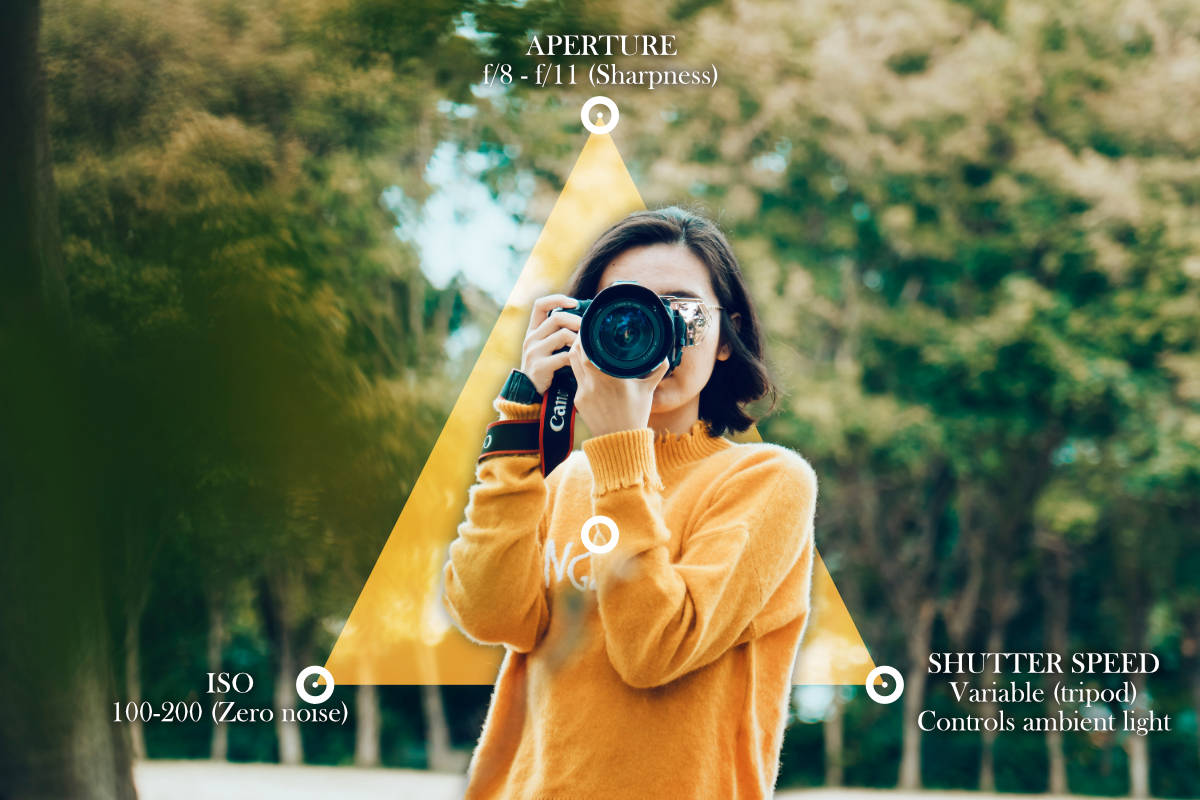
Understanding how aperture, ISO, and shutter speed interact in architectural photography differs significantly from portraiture or action photography. While action photographers prioritize fast shutter speeds and portrait photographers seek shallow depth of field, real estate photographers prioritize edge-to-edge sharpness, minimal image noise, and maximum dynamic range.
1.1. Aperture (f-stop): Finding the lens "sweet spot"
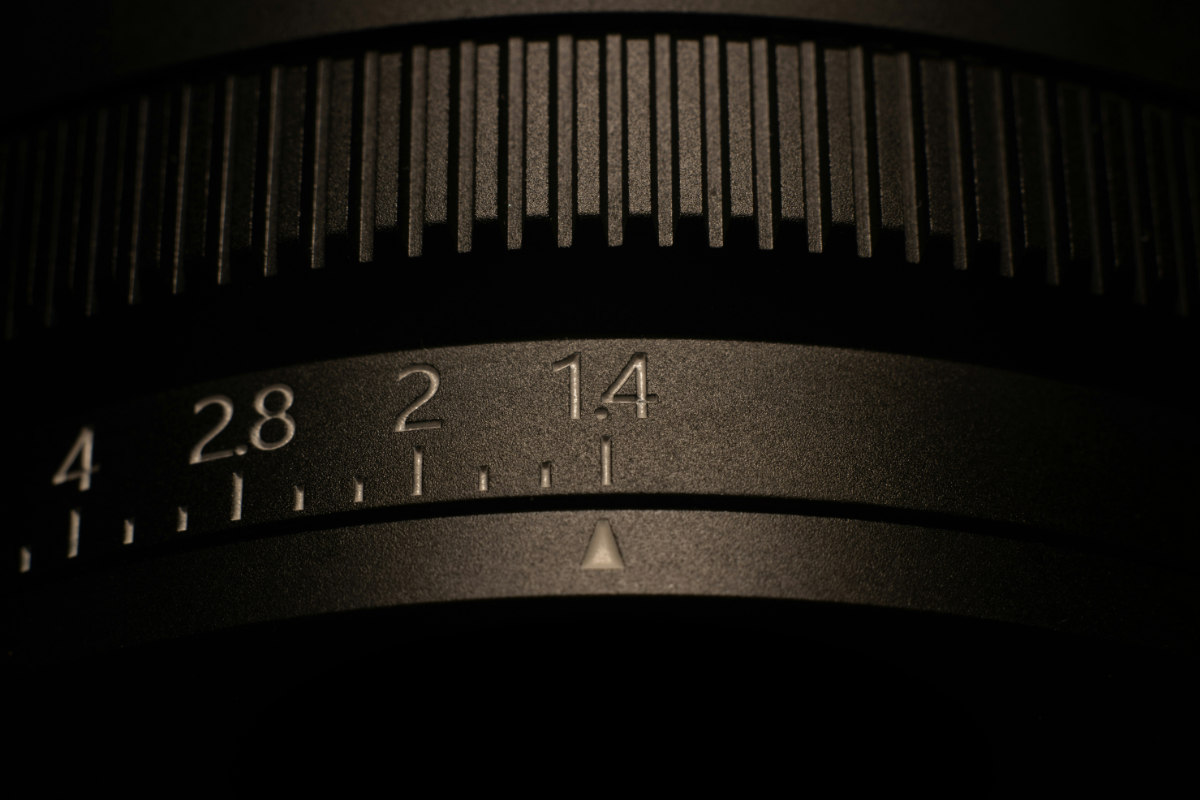
Aperture controls the depth of field, how much of the room from the foreground table to the far wall remains in crisp focus.
- The ideal range: Shoot between f/8 and f/11. Most ultra-wide-angle camera lenses achieve peak optical performance (maximum sharpness and minimal chromatic aberration) within this range.
- Why avoid extremely wide apertures (f/2.8 – f/4)? Shooting wide open creates a shallow depth of field. In a wide room shot, this leaves foreground furniture blurred or far corners out of focus.
- Why avoid extremely small apertures (f/16 – f/22)? Selecting f/16 or smaller introduces optical diffraction, a physical phenomenon where light rays bend around the lens iris and soften the entire image.
1.2. ISO: The zero-noise standard
ISO determines the camera sensor’s sensitivity to light. Higher ISO values amplify the electronic signal, introducing visible digital grain (noise) and reducing dynamic range.
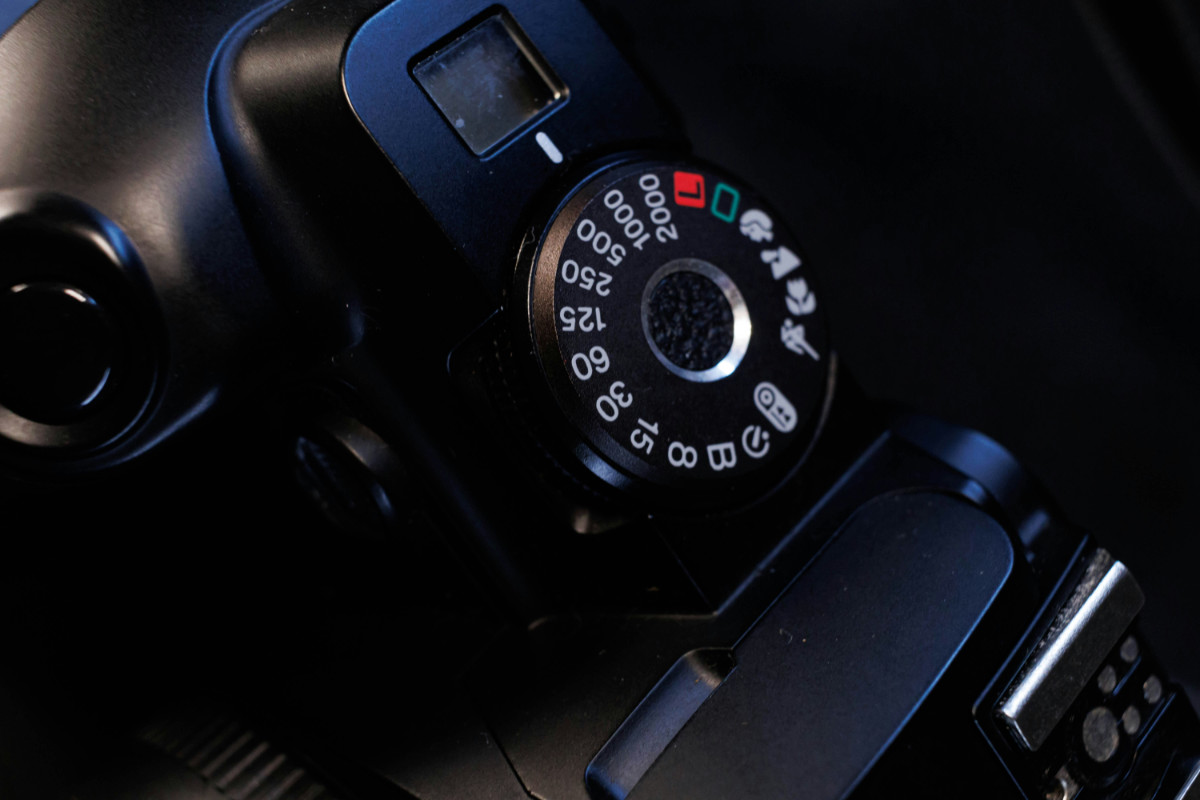
- The ideal setting: Lock your ISO at its native base setting, typically ISO 100 (or ISO 200 on select camera sensors).
- Shadow recovery: Real estate post-processing often involves lifting dark shadows in editing software. Images shot at ISO 100 retain clean shadow details without generating ugly color noise, whereas images shot at ISO 800 or higher degrade quickly when shadows are boosted.
1.3. Shutter speed: Managing ambient exposure on a tripod
Unlike handheld photography, where shutter speed must stay above 1/60s to avoid camera shake, real estate photography relies on a sturdy tripod.
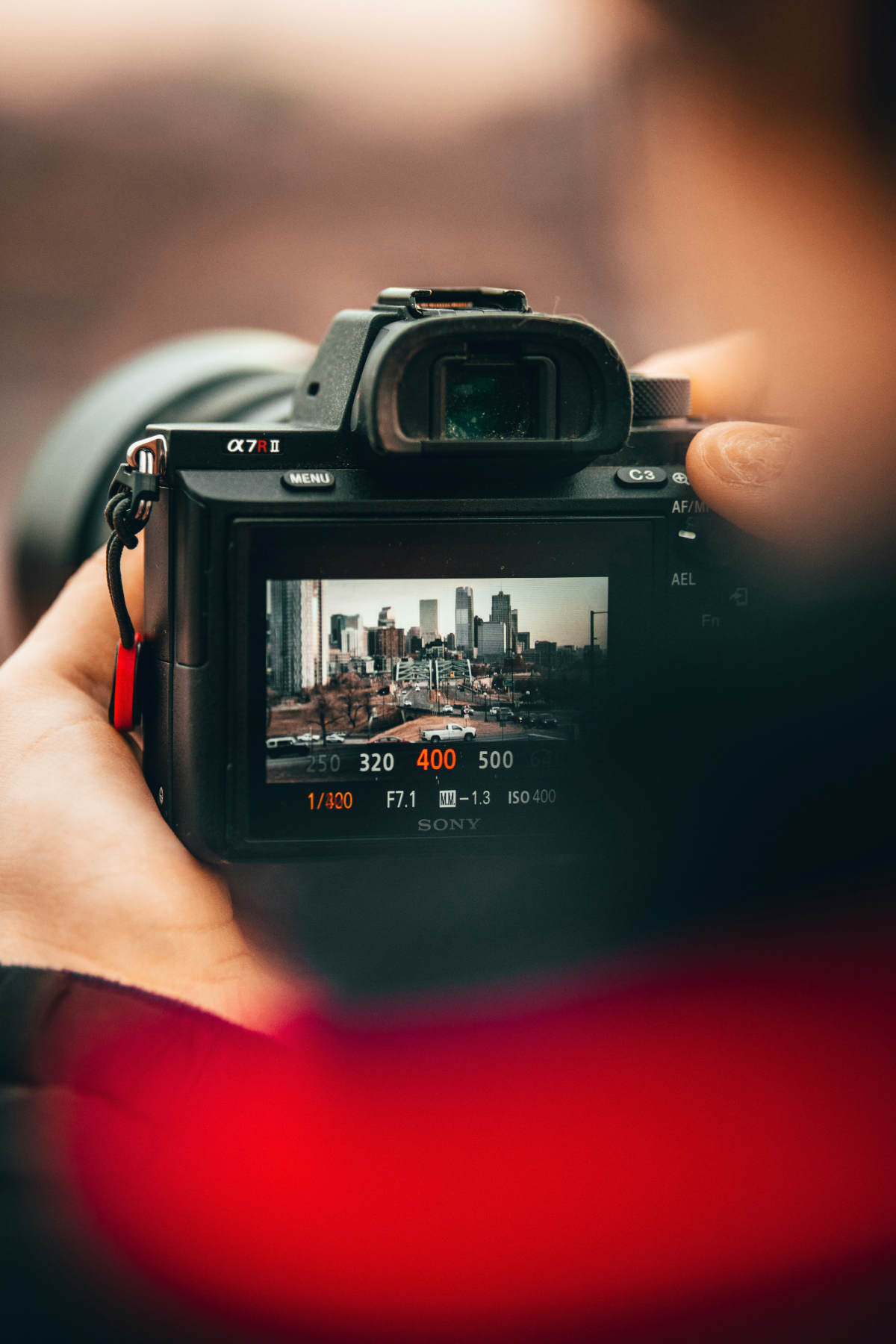
- Flexible speeds: Because your camera is motionless on a tripod, shutter speed becomes your primary tool for controlling exposure without affecting depth of field or sensor noise.
- Range: Depending on ambient light, shutter speeds for interior shots can range from 1/125s in sunlit rooms to 2 or 3 seconds in dimly lit hallways or basements.
2. Recommended camera settings for real estate interiors
Interior spaces are technically demanding due to conflicting light sources, varying room depths, and extreme bright-to-dark contrast ratios. Applying consistent real estate photography camera settings across every room ensures visually uniform results across the entire listing.
|
INTERIOR CAMERA CONFIGURATION | |
|
Mode |
Full Manual (M) |
|
Aperture |
f/8 |
|
ISO |
100 |
|
Image format |
Uncompressed RAW |
|
White balance |
Daylight (5500K) |
|
Focus |
Single-point AF (AF-S) |
|
Bracketing (AEB) |
5 frames (+/- 2 EV) |
2.1. Shooting mode: Full Manual (M)
Never shoot interiors in Auto, Program, or Aperture Priority mode. Automatic metering systems calculate exposure based on light reflective values. If you tilt the camera slightly toward a lamp or bright window, Auto mode recalculates the exposure, causing inconsistent brightness levels between different angles of the same room. Full Manual mode ensures complete control and shot-to-shot consistency.
2.2. File format: Uncompressed RAW
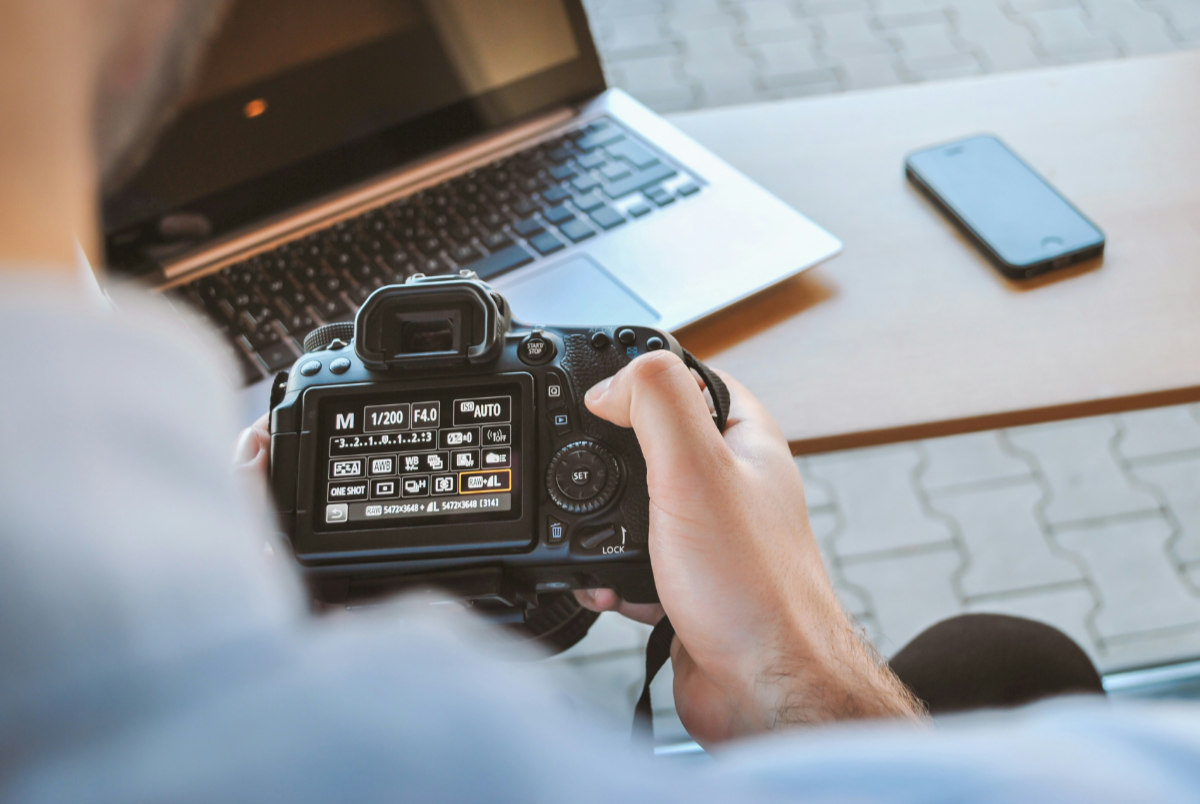
Always set your camera settings for real estate photography to shoot in RAW rather than JPEG.
- Dynamic range: RAW files capture 12-bit to 14-bit uncompressed image data, preserving millions more color tones and highlight details than a compressed 8-bit JPEG.
- Editing flexibility: RAW files allow you to recover highlights in bright window frames, lift dark shadows in unlit alcoves, and adjust white balance without introducing banding or image degradation.
2.3. White balance management
Interiors often feature mixed lighting: warm tungsten light from ambient lamps (2700K–3000K), cool white LED recessed ceiling pucks (4000K), and neutral daylight coming through windows (5500K).
- Manual preset: Set White Balance to Daylight (5500K) or manually adjust Kelvin to 4500K – 5000K.
- Why avoid Auto White Balance (AWB)? AWB shifts color temperature from frame to frame as you shift angles. Establishing a fixed WB preset maintains color consistency across all interior rooms, simplifying post-processing.
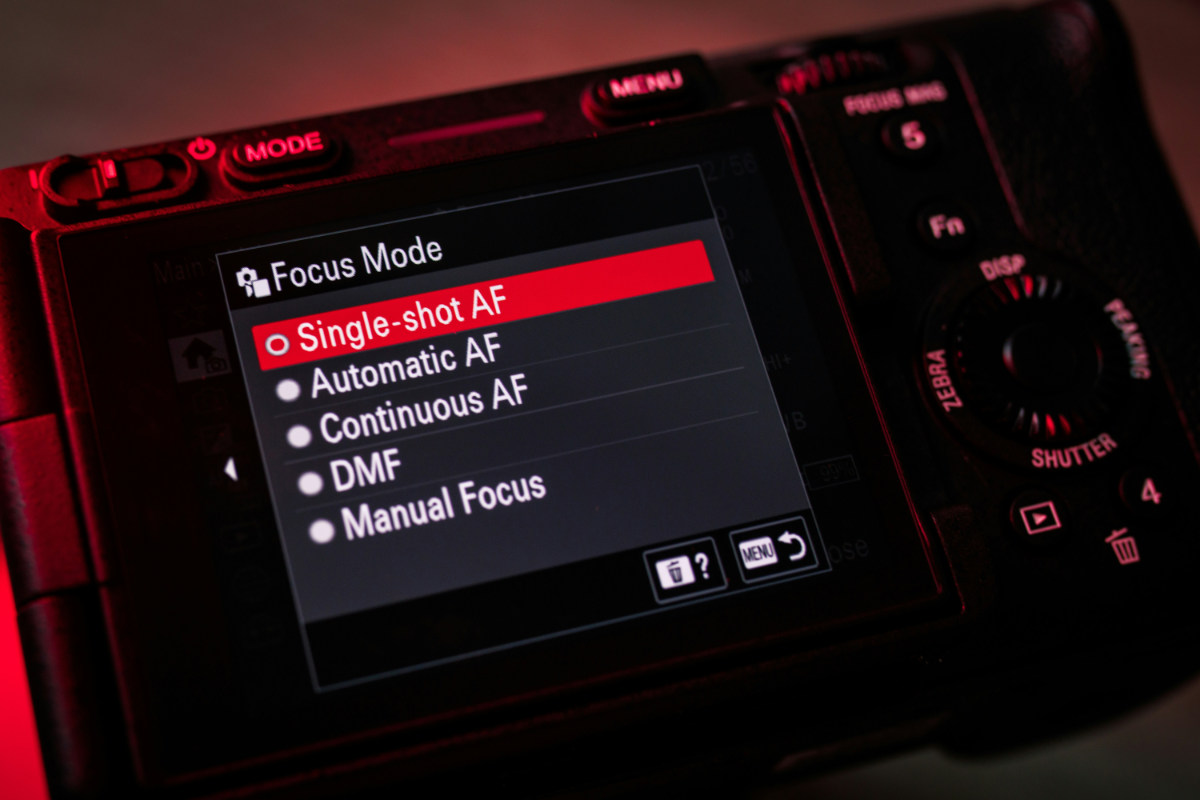
2.4. Autofocus strategy & drive mode
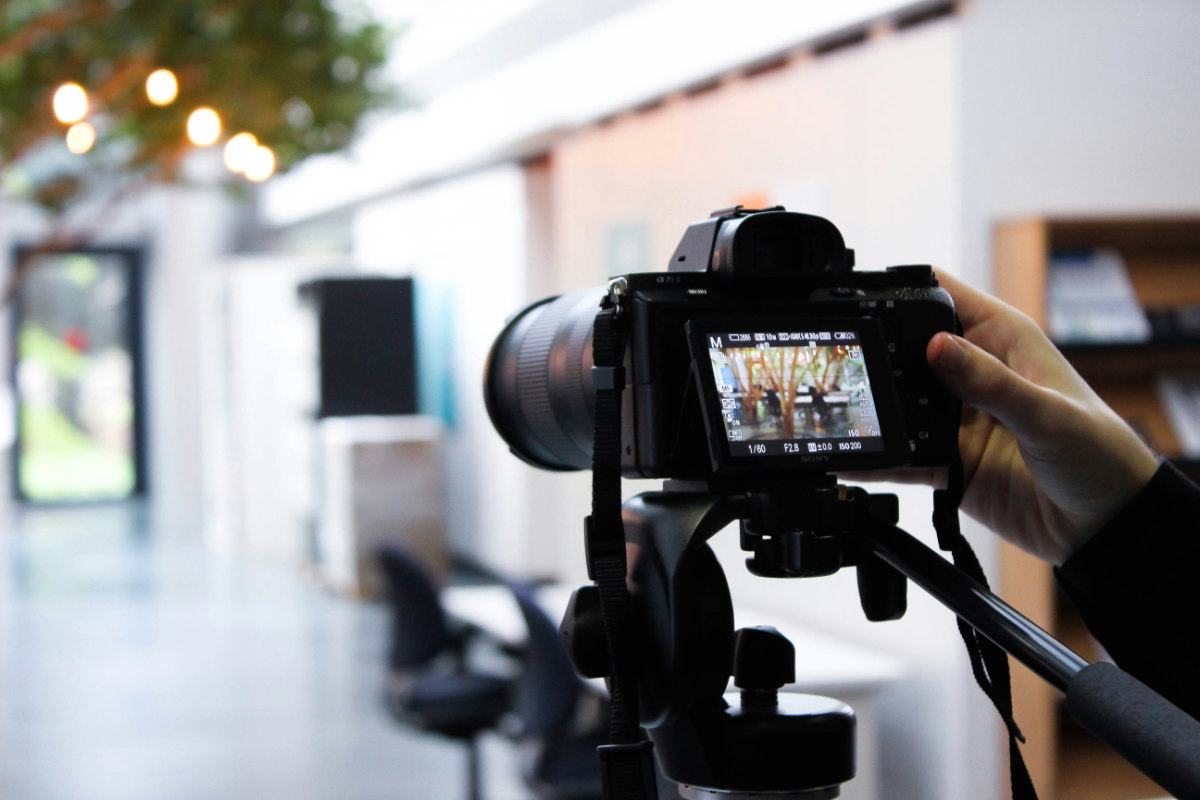
- Focus mode: Set to Single-Shot AF (AF-S for Nikon/Sony, One-Shot for Canon) or Manual Focus using Live View magnification.
- Focus point placement: Position your single focus point on a solid, textured object roughly one-third (1/3) of the distance into the room (such as a kitchen island edge or the frame of a doorway). This maximizes hyperfocal distance, keeping both foreground details and background walls sharp.
- Drive mode / Shutter delay: Enable a 2-second timer or use an external shutter release remote. Pressing the shutter button physically creates subtle vibration; a 2-second delay ensures the camera settles before the exposure begins.
2.5. Exposure bracketing (AEB / HDR Setup)
Because camera sensors cannot capture the full dynamic range of a bright window and a dark interior simultaneously, especially smaller point-and-shoot cameras, bracketed multi-exposure photography is standard practice.
- Auto Exposure Bracketing (AEB): Set your camera to capture 3 to 5 bracketed frames separated by 2 EV (Exposure Value) increments (-2, 0, +2 EV or -4, -2, 0, +2, +4 EV).
- Frame breakdown: 1. Underexposed frame (-2 EV): Captures window view details and outdoor scenery clearly. 2. Neutral frame (0 EV): Captures mid-tones and general ambient room lighting. 3. Overexposed frame (+2 EV): Captures deep shadow areas, dark corners, and wood cabinetry details.
3. Camera settings for exterior real estate photography
Exterior property photos serve as the lead thumbnail image on real estate listings. Crisp, vibrant exterior shots grab immediate buyer attention.
3.1. Daytime exterior setup
- Shooting mode: Manual (M)
- Aperture: f/8 to f/11 for sharp details from front landscaping to rooflines.
- ISO: 100 for maximum dynamic range and color saturation.
- Shutter speed: 1/125s to 1/500s (adjust based on daylight intensity).
- White balance: Daylight / Sunlight (5500K).
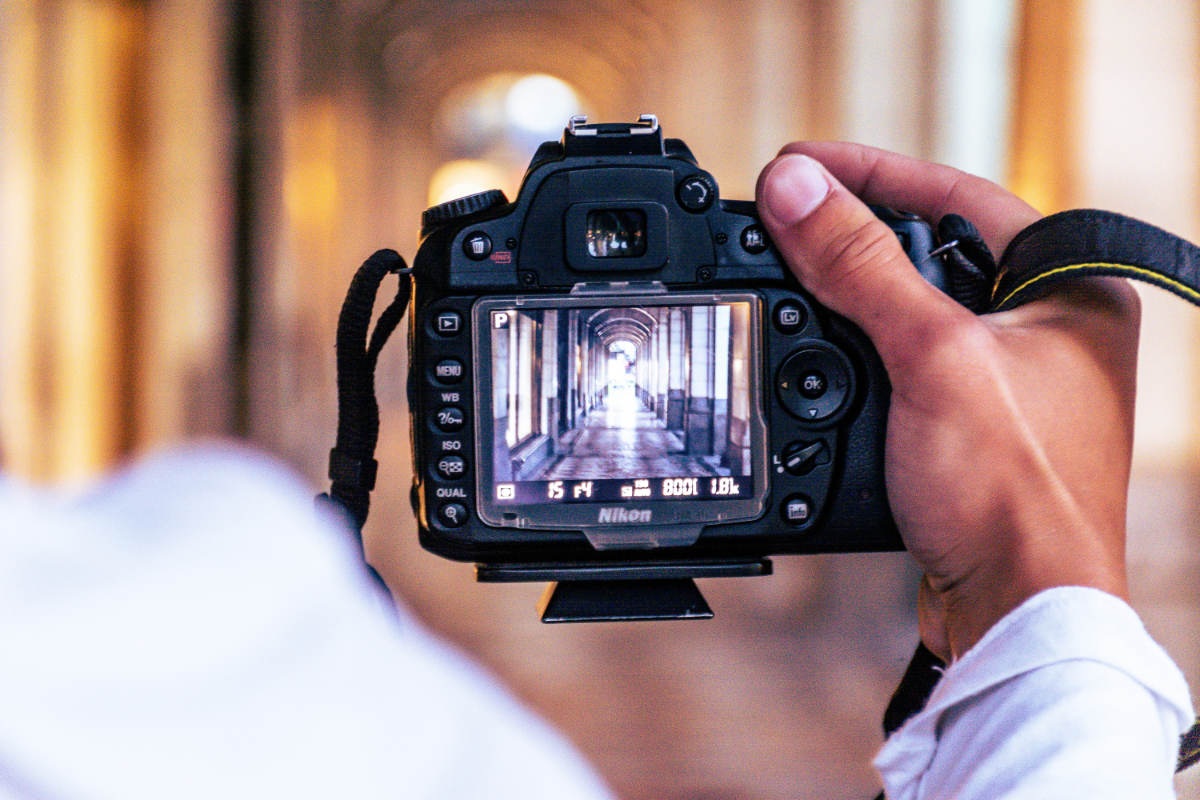
Daytime exterior settings:
[Mode: M] -> [Aperture: f/8] -> [ISO: 100] -> [Shutter: 1/250s] -> [3-frame bracketing]
3.2. Managing harsh direct sunlight and shadows
Shooting during midday direct sunlight creates heavy roofline shadows and harsh facade reflections.
- Bracketing for exteriors: Use a 3-frame bracket (-2, 0, +2 EV). The underexposed frame preserves rich blue sky color and cloud textures, while the overexposed frame brightens shaded areas under covered porches, entryways, and trees.
- Polarizing filters: A Circular Polarizer (CPL) filter reduces glare on glass windows, cuts reflections off swimming pool water, and deepens sky blue saturation. Ensure you adjust the filter rotation for each camera orientation.
4. Crucial gear & camera setup configuration for real estate photography
Having the right camera settings for real estate photography is only half the battle; proper physical setup ensures sharp, distortion-free images.
|
EQUIPMENT & HARDWARE SETUP | |
|
Lens choice |
16mm – 24mm wide-angle (Full frame equivalent) |
|
Camera height |
4.5 ft – 5.0 ft (Chest height for balanced depth) |
|
Tripod leveling |
Built-in bubble level / Electronic horizon |
|
Stability |
Weight hook engaged, 2-sec shutter delay enabled |
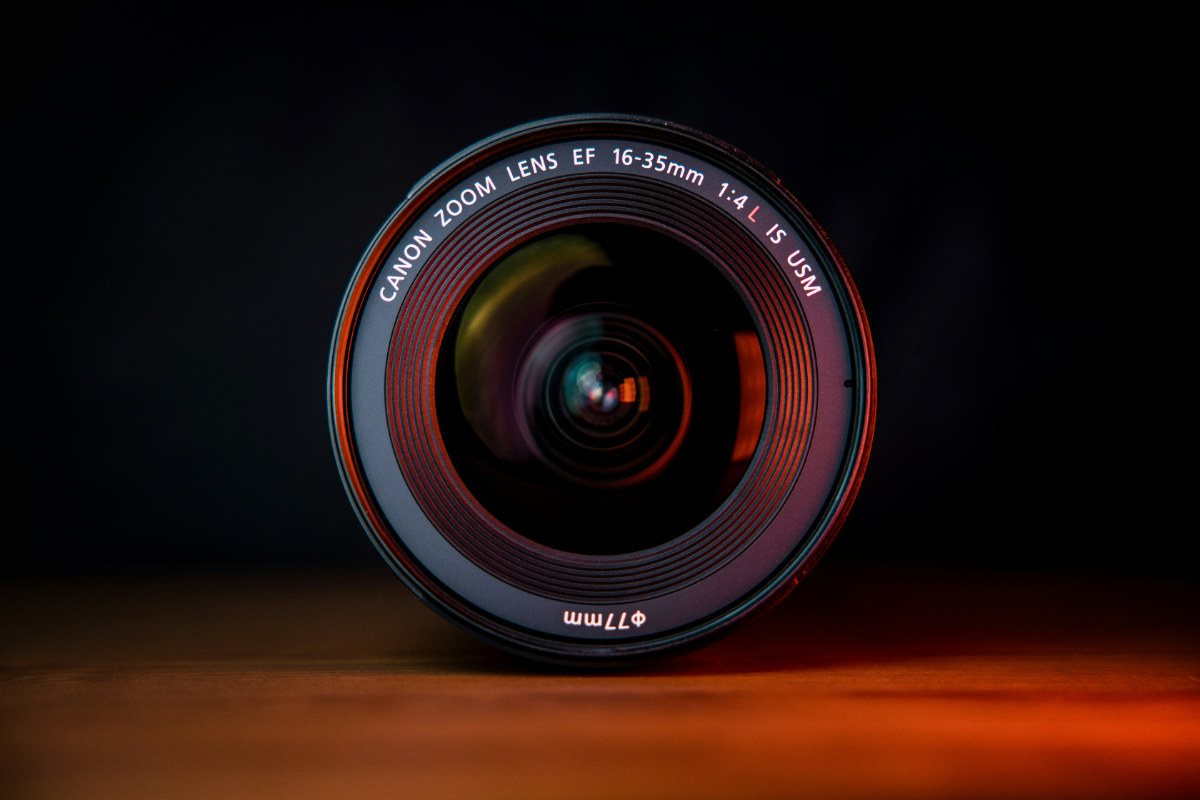
4.1. Ultra-wide lens selection
Use an ultra-wide zoom or prime lens with minimal optical distortion.
- Full-frame focal length: 16mm to 24mm is the industry standard. 16mm offers a wide field of view without making rooms look unnaturally distorted.
- APS-C (Crop sensor) focal length: 10mm to 18mm.
- Avoid fisheye lenses: Fisheye lenses bow straight walls into curves, creating unprofessional images that are difficult to correct in editing.
4.2. Camera height & leveling
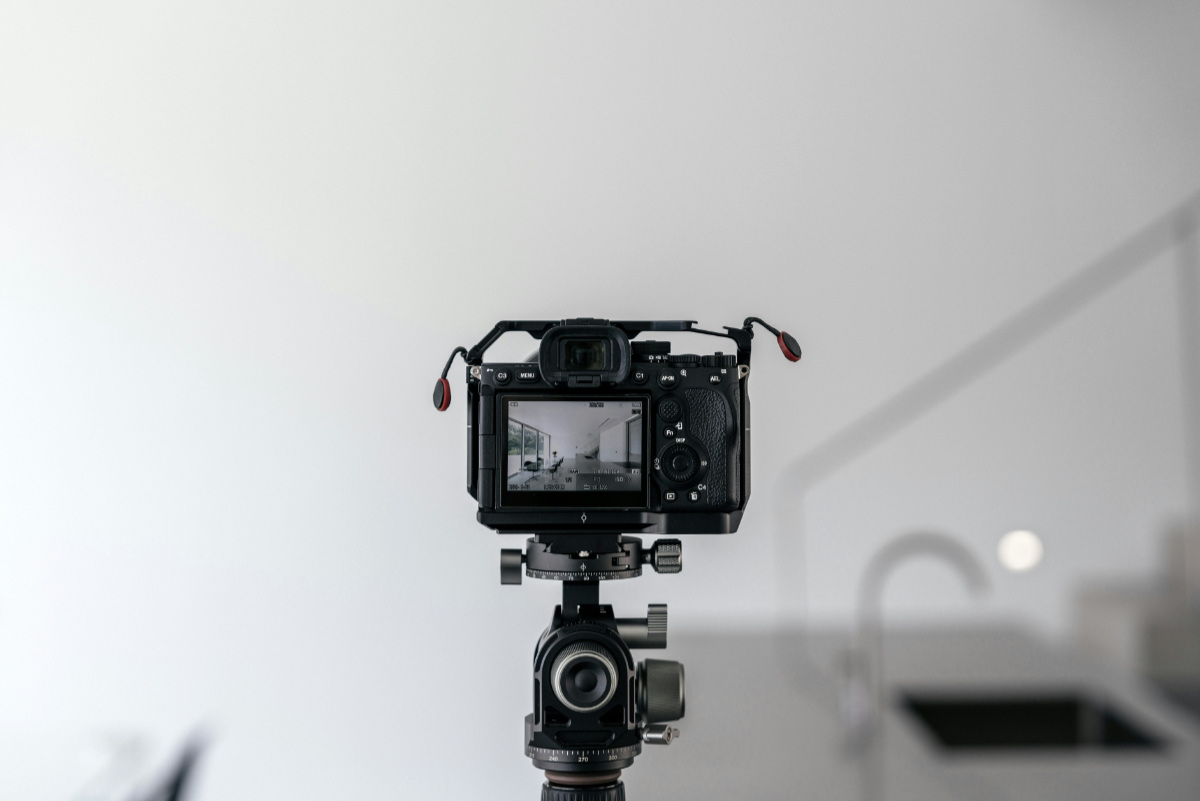
Unlevel camera positions create vertical lines that lean backward or forward (converging verticals), distorting room proportions.
- Camera height: Position your tripod head between 4.5 feet and 5 feet (chest-to-eye height for interiors). In kitchens, raise the tripod slightly higher to shoot over counters; in bathrooms, adjust height to prevent mirror reflections.
- Keep the camera level: Enable your camera’s In-body electronic level / virtual horizon. Keep tilt and roll at zero degrees so vertical door frames and wall corners remain perpendicular.
5. Common camera setting errors in real estate photography & how to fix them
Even experienced photographers occasionally run into technical mistakes when adjusting camera settings for real estate photography. Avoid these four common errors:
|
ERROR |
FIX |
|
1. Auto ISO enabled |
Lock ISO manually to 100 |
|
2. Handheld shooting < 1/60s |
Mount camera on a solid tripod |
|
3. Auto White Balance (AWB) shift |
Set manual Kelvin (4500K-5500K) |
|
4. Aperture at f/2.8 or f/22 |
Maintain sweet spot f/8-f/11 |
5.1. Leaving Auto ISO enabled
If Auto ISO is active, your camera automatically increases ISO during underexposed bracketed frames. This introduces varying levels of noise across your bracket sequence, degrading exposure blending quality in post-processing.
- Fix: Manually lock ISO at 100.
5.2. Handheld shooting below safe shutter speed
Attempting to handhold a wide-angle lens at 1/15s in a dark hallway produces micro-jitters, ruining fine wall textures and crisp architectural lines.
- Fix: Use a sturdy tripod for every shot, accompanied by a 2-second shutter release timer.
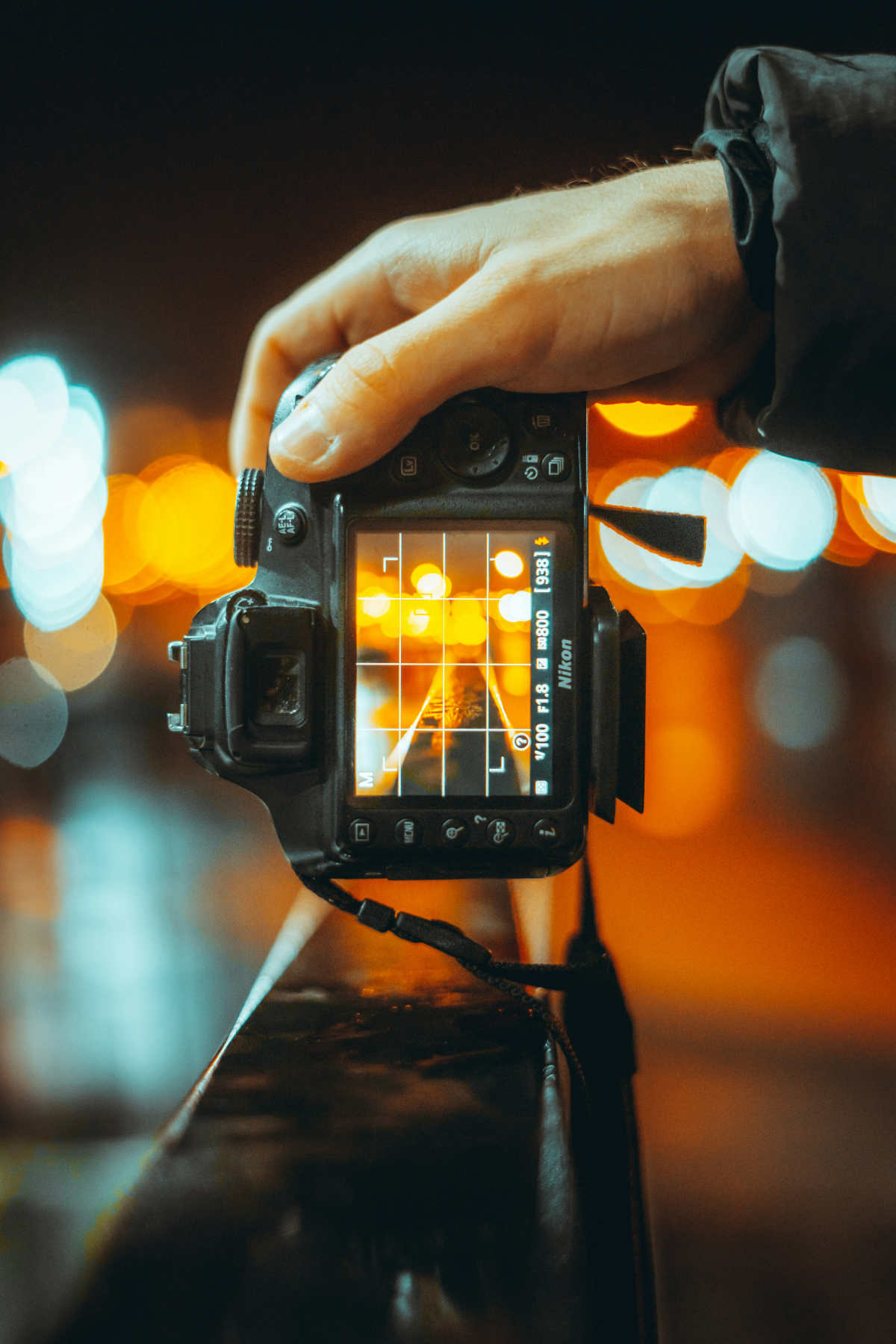
5.3. Relying on Auto White Balance (AWB)
When moving from a daylight-lit living room to a warm tungsten-lit hallway, AWB shifts color temperatures inconsistently. This makes uniform color grading across an entire house difficult.
- Fix: Lock your White Balance to Daylight (5500K) or set custom Kelvin values.
5.4. Shooting wide open at f/2.8 or stopped down to f/22
Shooting wide open causes soft room corners, while shooting at f/22 introduces optical diffraction blur.
- Fix: Stick to the lens's optical sweet spot of f/8 to f/11.
6. Workflow: From camera settings to post-processing for real estate photography
Establishing consistent camera settings for real estate photography simplifies your editing workflow.
|
Camera setup |
5-frame RAW bracketing |
Lightroom/Photoshop HDR merge |
Final output |
|
|
|
|
Importing RAW files: Group your bracketed image sets (e.g., 3 or 5 exposures per angle).
Exposure blending:
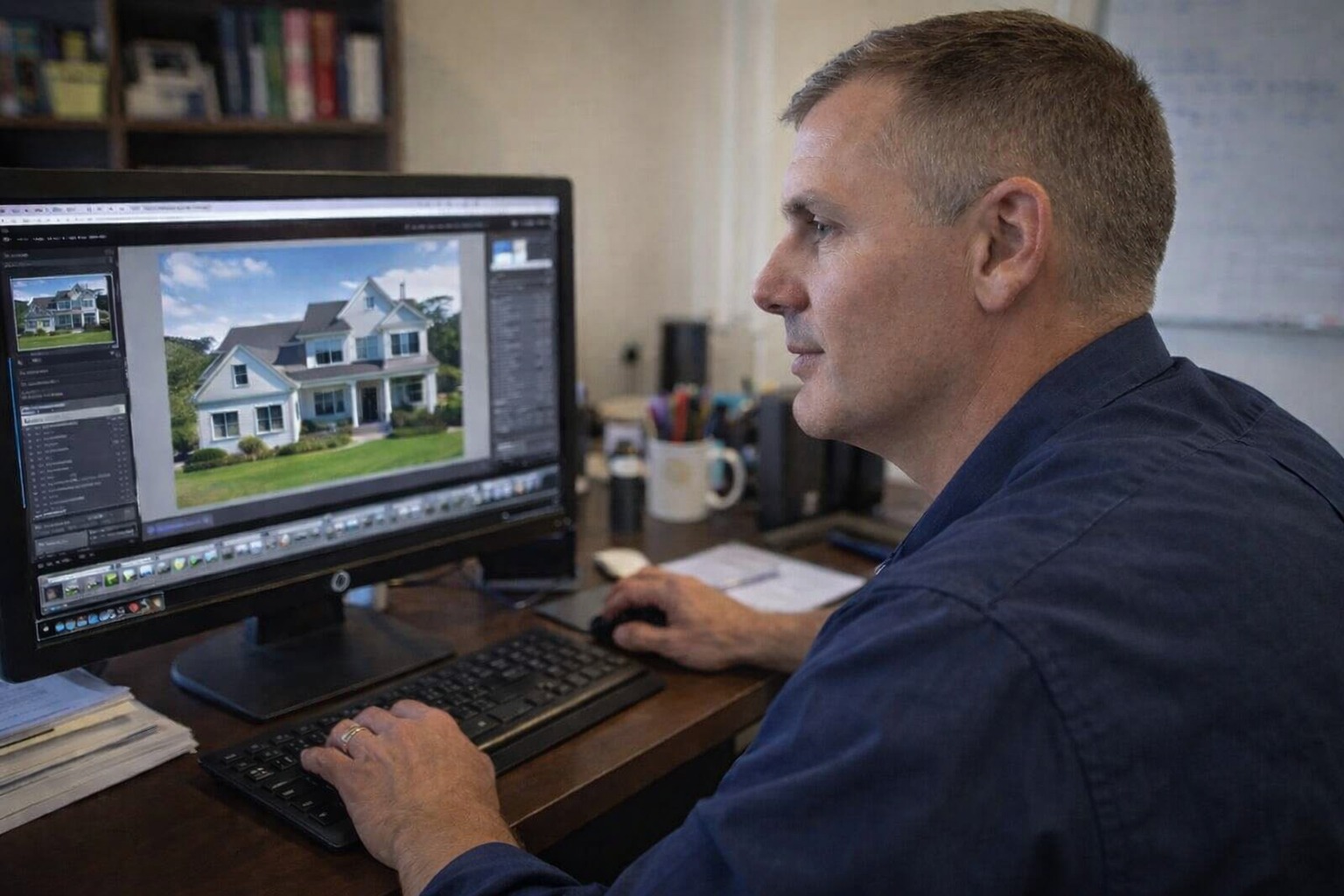
- HDR merge: Combine bracketed RAW files using Adobe Lightroom or Dedicated Editing Plugins (Enfuse/Photomatix) to merge highlights and shadows into a single balanced image.
- Flambient blending: Blend an ambient bracket with a flash-assisted exposure using Photoshop layer masks for realistic color rendering and crisp window views. (You can find the best flashes for your real estate shooting needs here.)
Lens corrections: Enable "Profile Corrections" and "Remove Chromatic Aberration" in post-processing to eliminate wide-angle barrel distortion and color fringing along bright window edges.
Vertical alignment: Apply automatic or manual "Upright" transformations in Lightroom to ensure all vertical door frames, windows, and wall corners are straight.
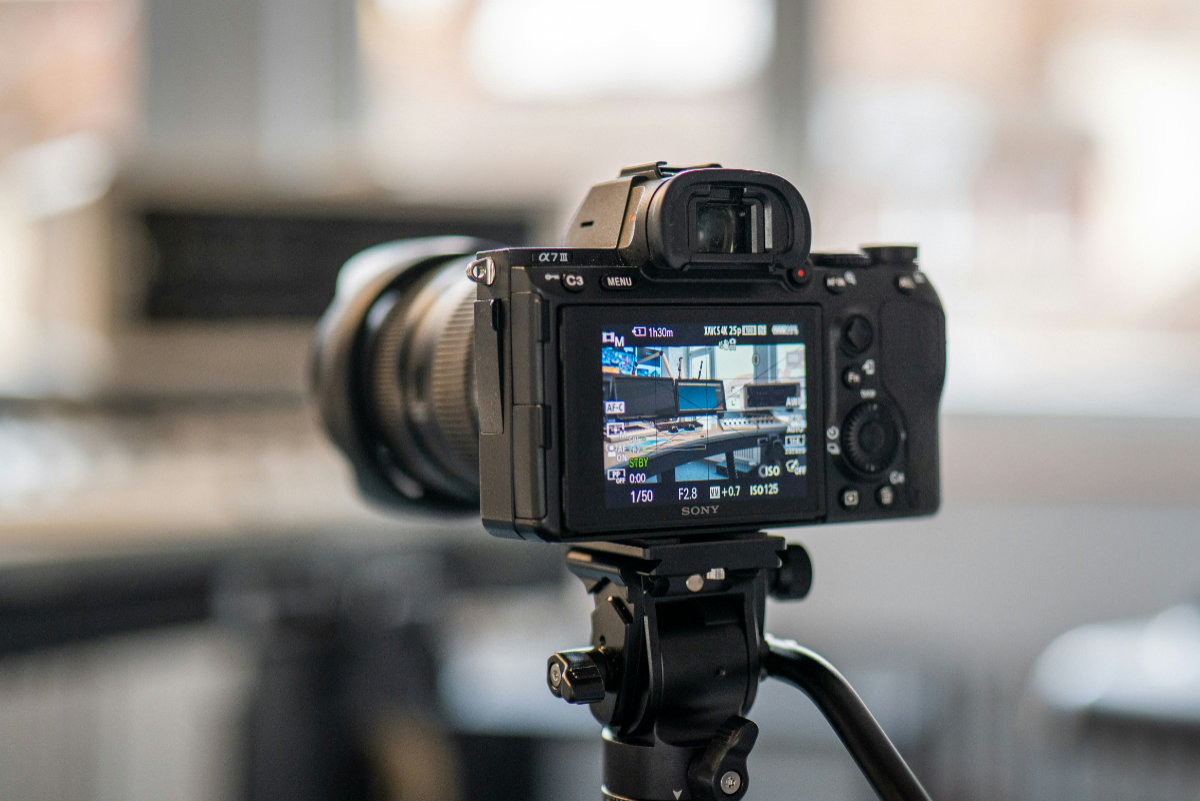
Also, you can save time in post-processing by outsourcing your photos to a dedicated partner, allowing you to shoot more homes and practice your settings to refine them.
7. Bonus masterclass: Camera settings for real estate twilight photos
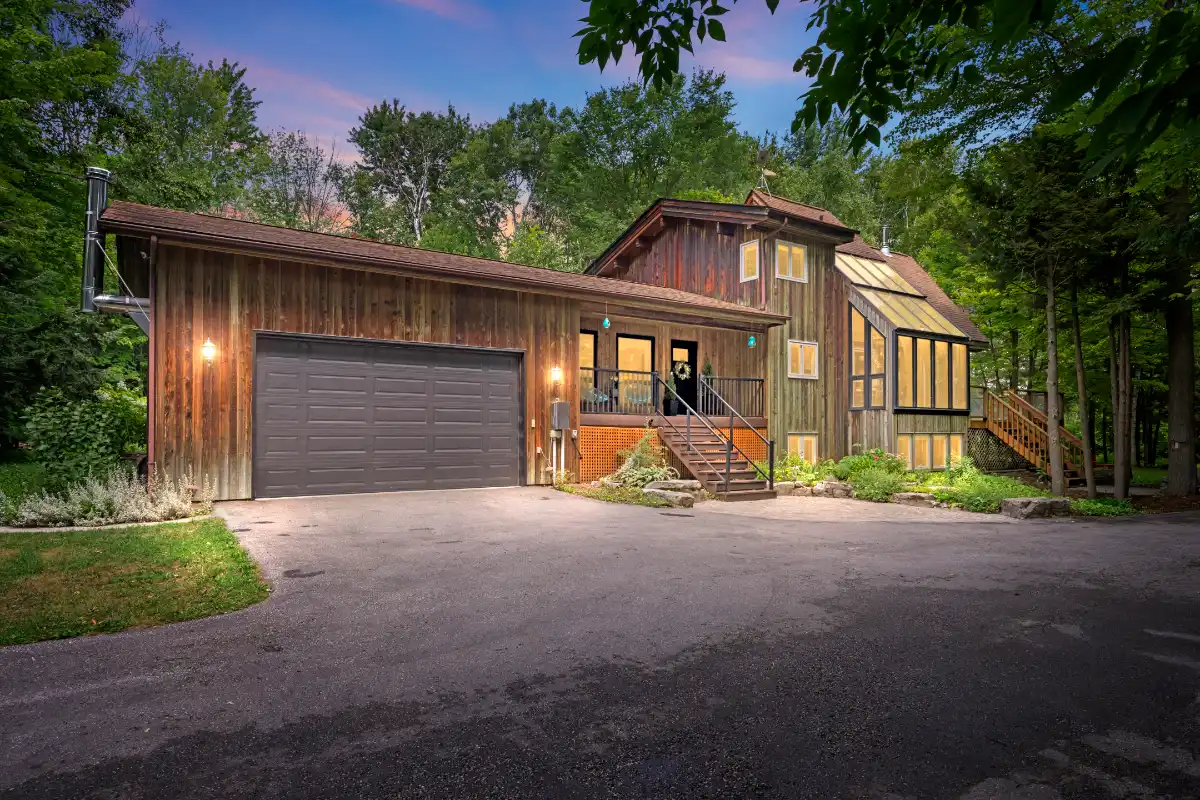
Twilight real estate photography, shot during "blue hour" just after sunset, produces eye-catching, high-end imagery. The contrast between warm glowing interior lights and the deep blue exterior sky highlights a property's luxury appeal.
|
TWILIGHT CAMERA CONFIGURATION | |
|
Shooting window |
15 to 30 minutes after local sunset |
|
Mode |
Manual (M) |
|
ISO |
100 – 400 |
|
Drive |
2-sec delay / remote |
|
Aperture |
f/7.1 – f/9 |
|
Shutter speed |
1s – 6s |
|
Bracketing |
5 to 7 frames |
7.1. The blue hour window
Timing is critical when capturing real estate twilight photos. The ideal window lasts only 15 to 20 minutes, beginning roughly 15 minutes after the sun dips below the horizon.
- Too early: The sky is too bright, overwhelming the glow of interior lights.
- Too late: The sky turns pitch black, hiding rooflines, architectural shapes, and landscaping.
7.2. Exact camera settings for twilight real estate photos
Aperture: f/7.1 to f/11. Setting the aperture to f/7.1 or f/11 maintains front-to-back sharpness across the property exterior while generating subtle, elegant "starburst" light flares around outdoor fixtures and streetlamps.
ISO: 100 to 400. Keep ISO as close to 100 as possible. If light levels drop rapidly near the end of the blue hour, you can bump ISO to 200 or 400 to keep shutter speeds from exceeding 10 seconds. Modern sensors handle ISO 400 cleanly, but lower settings yield richer blue sky gradients.
Shutter speed: 1 second to 6 seconds. As ambient natural light fades, shutter speeds lengthen significantly. Because long exposures magnify camera instability, a heavy tripod is mandatory.
Extended bracketing (5 to 7 frames). During twilight, the luminance difference between bright interior lights and dim ambient sky light is extreme. Set your exposure bracketing to 5 or 7 exposures at 1 EV or 2 EV intervals.
- The dark exposures prevent indoor light fixtures and porch lanterns from overexposing into solid white spots.
- The long exposures capture detailed ambient sky tones, lawn textures, and shadow details along house siding.
Twilight bracket sequence (5-frames):
[ -4 EV ] -> Preserves bright filament details in porch lamps
[ -2 EV ] -> Captures interior light glow through windows
[ 0 EV ] -> Balances building facade mid-tones
[ +2 EV ] -> Extracts grass, trees, and dark roof textures
[ +4 EV ] -> Captures deep blue sky gradients in dim conditions
7.3. Interior & landscape light preparation
Before shooting twilight photos, walk through the property and turn on every interior light source:
- Recessed ceiling lights, floor lamps, overhead chandeliers, and under-cabinet lighting.
- Exterior landscape lights, pool lighting, path markers, and porch lanterns.
- Turn off ceiling fans to prevent motion blur during long shutter speeds.
8. Frequently asked questions about camera settings for real estate photography (FAQ)
Q1: What is the single best camera setting for real estate photography?
The most fundamental real estate camera setup is Full Manual (M) mode, ISO 100, Aperture f/8, Auto Exposure Bracketing (3 to 5 frames at 2 EV intervals), and shooting on a stable tripod with a 2-second shutter delay.
Q2: How many exposures do I need for real estate twilight photos?
Shooting 5 to 7 exposures spaced 1 or 2 EV apart is ideal for twilight photography. This captures high-contrast lighting elements, from bright porch lanterns and indoor light fixtures to deep blue sky tones and dark landscaping textures.
Q3: Why are my interior windows blown out, and how do I fix them?
Windows overexpose because exterior sunlight is significantly brighter than interior ambient lighting. Fix this by using Auto Exposure Bracketing (AEB) to take an underexposed shot (-2 EV or -4 EV) where the window view is crisp and clear, then blend that frame with your normal interior exposures during post-processing.
Q4: Can I shoot real estate photography without a flash?
Yes. Using bracketed multi-exposure HDR techniques allows you to capture clean, natural-looking images without external flashes or strobes. However, combining ambient bracketing with subtle flash fill (the "Flambient" technique) can further improve color accuracy and window pulls.
9. Conclusion
Mastering the best settings for real estate photography comes down to consistency, precision, and understanding light control. By transitioning to Full Manual mode, locking your ISO at 100, maintaining an optimal aperture of f/8 to f/11, and leveraging exposure bracketing, you can reliably capture bright, sharp, professional architectural images.
When shooting real estate twilight photos, plan your blue hour timing carefully, turn on all interior lights, and use extended bracketing to balance ambient sky light with warm indoor glow. Incorporate these camera settings into your routine to streamline your workflow and deliver polished listing photos that attract buyers.
What are your go-to settings when shooting properties? Let us know on our social media, and follow us today for more expert real estate marketing strategies and the latest real estate techniques for capturing every home better.
- Facebook: fotobermedia.co
- YouTube: Fotober
- TikTok: @fotober
- Instagram: fotober_media.
Related posts

San Antonio Housing Market Forecast 2026: Prices & Trends
October 30, 2026

What Drives Mortgage Rates? Explain The Forces Behind 2026's Numbers
October 29, 2026

Dallas vs. Los Angeles Housing Market: Comparing Prices & Supply
October 29, 2026

Orlando Population Growth in 2026: Trends & Housing Demand
October 26, 2026
