




Top Photoshop Plugins for Real Estate Photo Editing
Share:
Table of Contents
- 1. Top 8 Photoshop plugins & extensions for real estate & architectural visuals
- • 1.1. Lumenzia (Luminosity Masking Panel)
- • 1.2. Nik Collection by DxO (Color Efex & HDR Efex)
- • 1.3. Google Nik Collection 2012 (Legacy Edition)
- • 1.4. Luminar Neo (Plugin Edition)
- • 1.5. Photomatix Pro (HDRsoft Plugin for Photoshop)
- • 1.6. Adobe Camera Raw (ACR) Extension (Native Photoshop Integration)
- • 1.7. Retouch4me Plugins (Clean Global, Color Match & Portrait Suite)
- • 1.8. Pro Panel (Photoshop Automation Extension)
- 2. How to choose the right Photoshop add-on or editing strategy
- 3. Why automated plugins aren't enough: The imperative for human editing mastery
- 4. Want to scale your business with a dedicated editing partner instead of top Photoshop plugins?
- 5. Conclusion
- 6. Frequently asked questions about top Photoshop plugins
Enhancing your creative workflow often comes down to having the right tools. From efficiency boosters to advanced effects, the right Photoshop plugins can elevate your projects. To help photographers, videographers, and realtors optimize their software stack, here is an in-depth breakdown of the top Photoshop plugins available today, ranging from robust paid suites to the best free Photoshop plugins.
1. Top 8 Photoshop plugins & extensions for real estate & architectural visuals
|
Plugin name |
Type |
Key specialty |
Learning curve |
Price |
|
Lumenzia |
Panel / Extension |
Luminosity masking & window pulls |
Moderate-High |
$39.99 |
|
Nik Collection |
Plugin suite |
Color cast removal & contrast |
Low-Moderate |
$149.00 |
|
Nik Legacy 2012 |
Plugin suite |
Best free Photoshop plugin |
Low-Moderate |
FREE |
|
Luminar Neo |
Plugin / standalone |
AI sky replacement & object removal |
Low |
$119/year |
|
Photomatix Pro |
Plugin / standalone |
Multi-bracket HDR & exposure fusion |
Moderate |
$99.00 |
|
Adobe Camera Raw |
Native extension |
Perspective & lens geometry fixes |
Low |
Incl. with CC |
|
Retouch4me |
AI plugin |
Wall/surface cleaning & agent portrait retouching |
Very Low |
$124/module |
|
Pro Panel |
Workflow extension |
Macro action automations |
Low |
$49.00 |
1.1. Lumenzia (Luminosity Masking Panel)
Best for: Advanced luminosity exposure blending and precision window pulls.
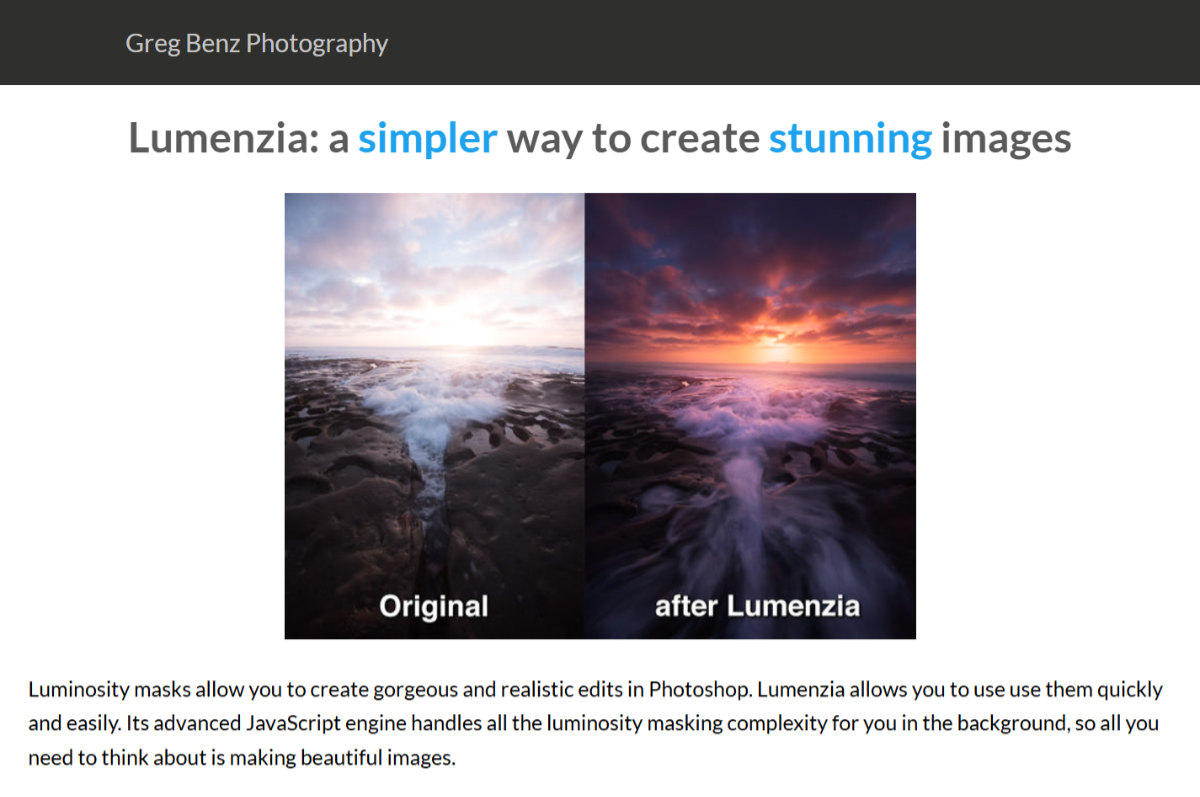
Lumenzia is a powerful Adobe Photoshop extension designed to simplify complex luminosity masking. For architectural photographers who rely on ambient-flash blending (the "Flambient" technique), Lumenzia allows you to select specific brightness zones without creating tedious manual selections.
Pros:
- Ultra-fast mask creation and real-time previews.
- Precise control over interior vs. exterior highlight exposures.
- Low resource consumption inside Photoshop.
Cons:
- Steep learning curve for beginner retouchers.
- Requires solid understanding of Photoshop layer masks.
Pricing: $39.99 (One-time purchase).
1.2. Nik Collection by DxO (Color Efex & HDR Efex)
Best for: Color correction, tone contrast enhancement, and multi-bracket HDR processing.
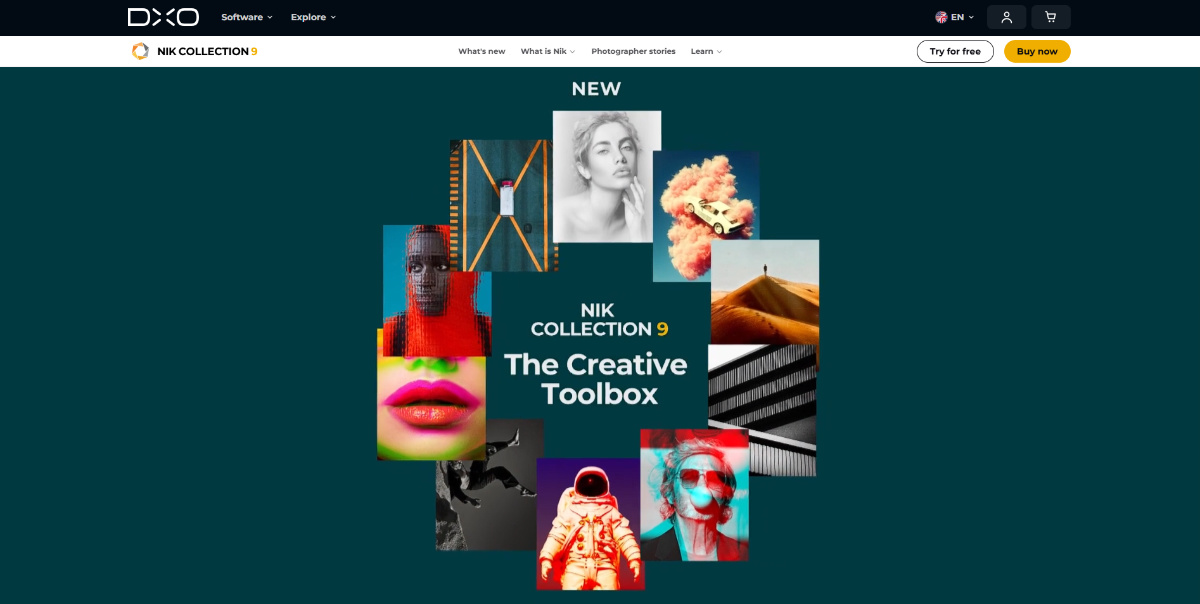
The Nik Collection remains an industry staple. As one of the top Photoshop plugins renowned for its versatility, plugins like Color Efex Pro allow photographers to remove stubborn color casts, apply selective contrast, and enhance architectural textures in seconds.
Pros:
- U Point™ technology for pinpoint selective edits without manual masking.
- Outstanding Pro-Contrast and Dynamic Contrast filters for interiors.
- Includes dedicated HDR merging software.
Cons:
- Can easily over-process images if not used subtly.
- Paid upgrades required for major new versions.
Pricing: $149 (One-time purchase; free trial available).
1.3. Google Nik Collection 2012 (Legacy Edition)
Best for: Budget-conscious creators seeking the best free Photoshop plugins.
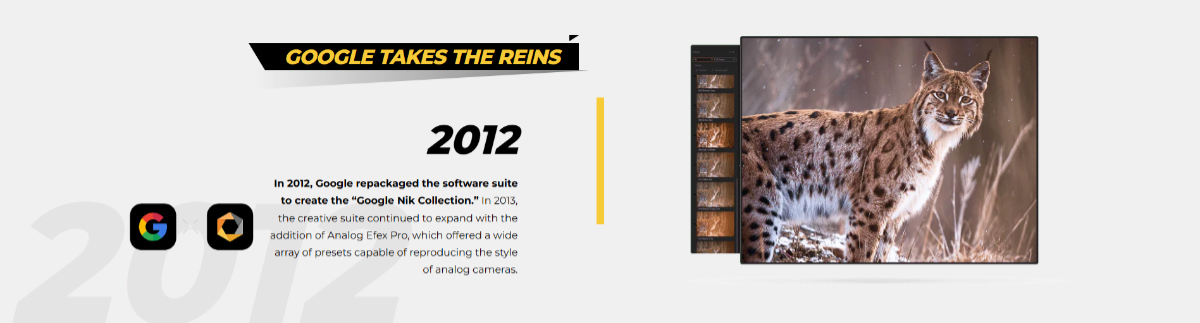
Before DxO acquired Nik Software, Google made the entire suite free to download. While it lacks modern performance optimizations and High-DPI screen support, the legacy 2012 Nik Collection still runs effectively on modern OS systems via Photoshop compatibility modes.
Pros:
- 100% free to download and use indefinitely.
- Powerful Color Efex and Viveza plugins included.
- Ideal entry point for novice real estate photographers.
Cons:
- No software updates or customer support.
- Interface feels dated on 4K/5K displays.
Pricing: Free.
1.4. Luminar Neo (Plugin Edition)
Best for: AI-powered sky replacements, relational lighting adjustments, and rapid cleanup.
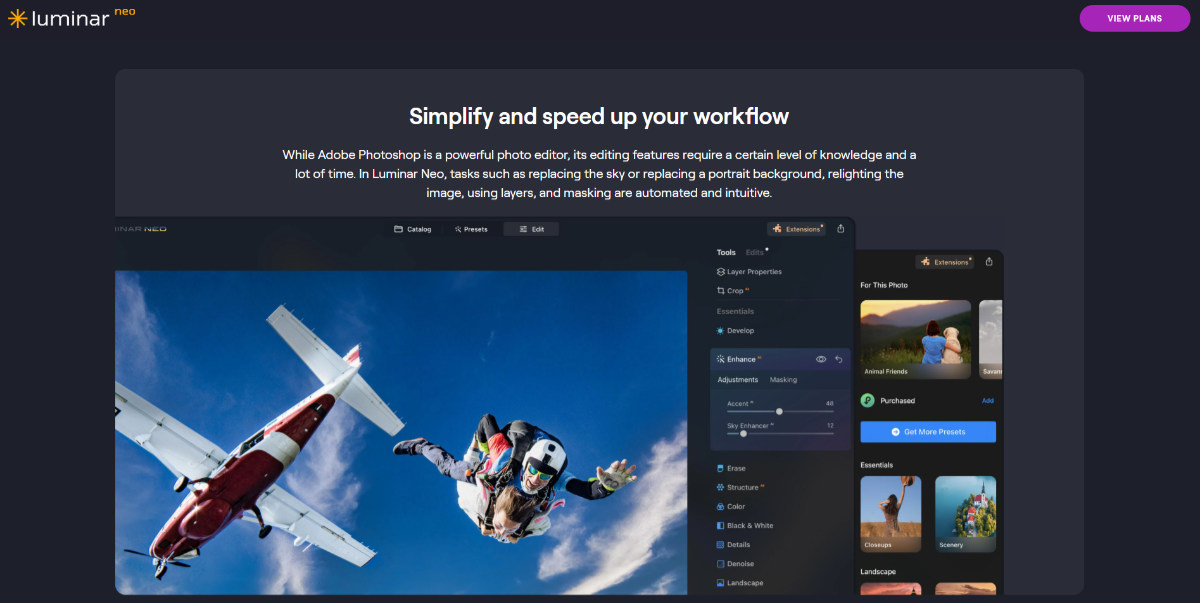
Luminar Neo acts seamlessly as a Photoshop add-on. Its AI-driven tools permit immediate sky replacements, complete with automatic water reflection matching, and power-line removal, making it a favorite for high-volume real estate editors.
Pros:
- Flawless AI sky replacement and relighting engines.
- Automatic removal of dust spots and overhead power lines.
- Intuitive slider-based user interface.
Cons:
- High CPU/GPU processing demand.
- Subscription model pushed heavily by the developer.
Pricing: $119/year subscription or $249 lifetime license.
1.5. Photomatix Pro (HDRsoft Plugin for Photoshop)
Best for: Multi-bracket HDR exposure blending, interior highlight recovery, and natural tone fusion.
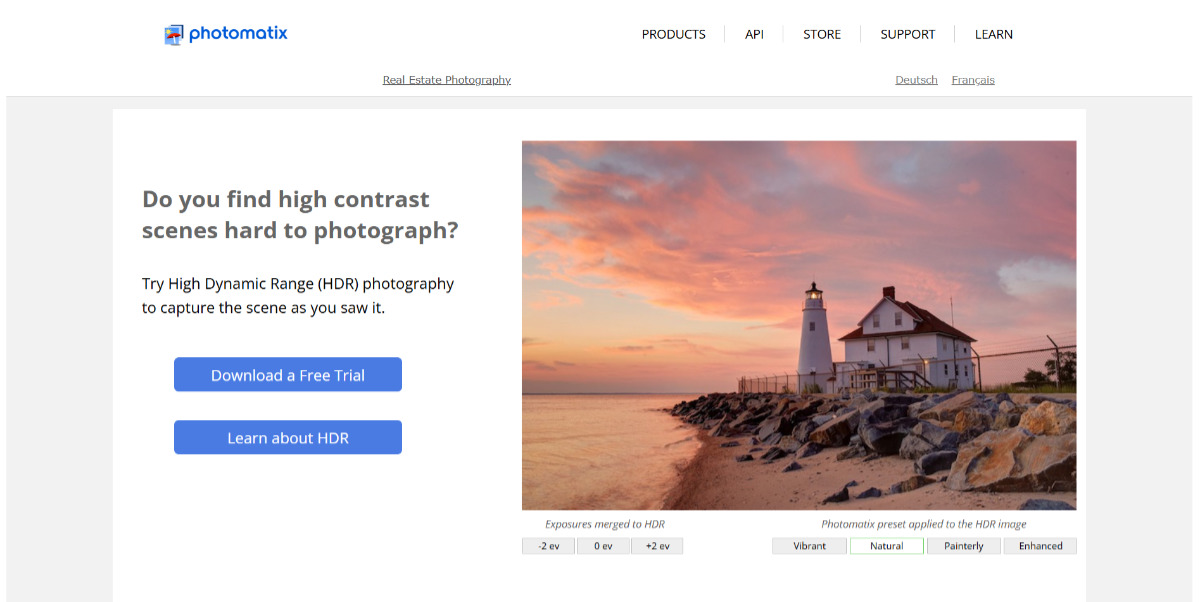
Photomatix Pro is an iconic, industry-standard Photoshop add-on widely celebrated among real estate and architectural photographers for its dedicated HDR merging algorithms. Engineered specifically to tackle extreme dynamic ranges, Photomatix allows editors to seamlessly combine bracketed interior exposures with bright window views using its acclaimed Exposure Fusion technology.
Pros:
- Purpose-built real estate presets for rapid, natural-looking exposure fusion.
- Advanced ghost removal for moving outdoor elements like trees and wind-blown foliage.
- Seamless batch processing integration with Adobe Photoshop and Lightroom.
Cons:
- Aggressive tone-mapping presets can produce over-saturated visuals if not dialed back.
- Requires careful color balance adjustments to maintain true-to-life interior paint hues.
Pricing: $99 (One-time purchase; free trial available).
1.6. Adobe Camera Raw (ACR) Extension (Native Photoshop Integration)
Best for: Essential geometry fixes, lens profile corrections, and white balance control.
Built directly into Adobe Photoshop as a native filter/extension, ACR remains one of the most reliable tools for everyone who edits real estate photos in Photoshop. Its "Upright" geometry engine automatically levels horizontals and corrects vertical keystoning with a single click.
Pros:
- Native tool included with every Adobe Creative Cloud subscription.
- Non-destructive editing capabilities when used with Smart Objects.
- World-class vertical alignment and lens profile correction algorithms.
Cons:
- Lacks specialized batch-automation shortcuts for advanced real estate workflows.
Pricing: Included with Adobe CC Photography Plan ($9.99/month).
1.7. Retouch4me Plugins (Clean Global, Color Match & Portrait Suite)
Best for: Automated wall/floor cleanup, color tone harmonization, and AI-driven portrait retouching for real estate agent headshots.
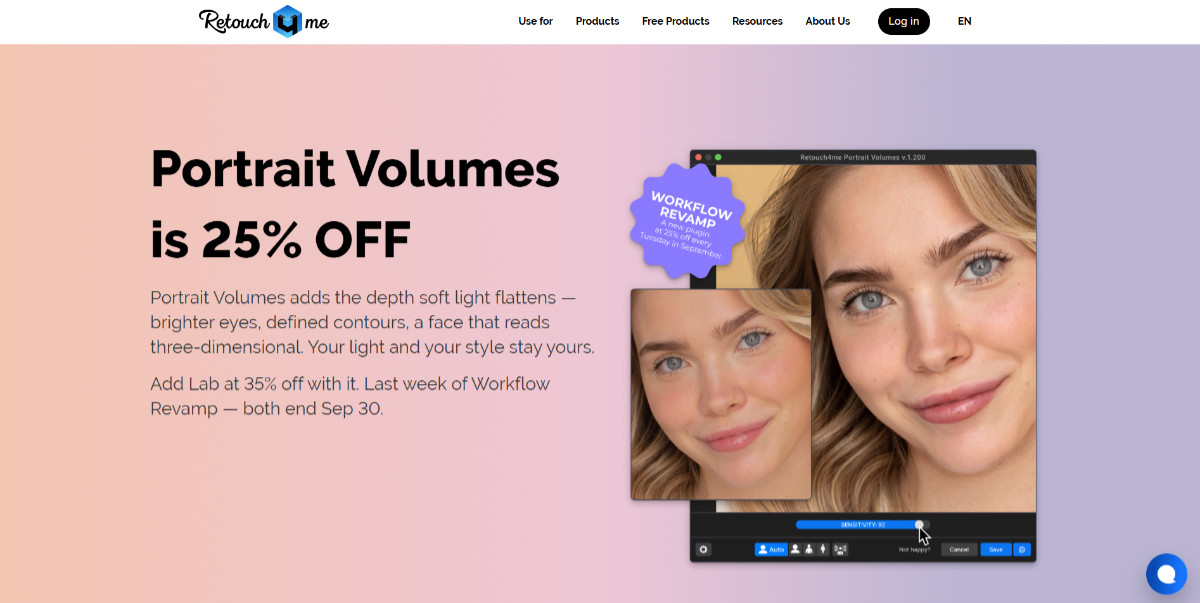
Retouch4me offers advanced, neural-network-driven AI plugins that excel in both architectural media and portrait photography. In real estate photography, tools like Clean Global automatically eliminate carpet stains, scuffed drywall, and uneven floor sheens without destroying underlying surface textures, while Color Match extracts color palettes from reference images to harmonize an entire property shoot.
Beyond interior scenes, Retouch4me is an industry favorite for portrait photography and real estate agent branding headshots. Its specialized portrait suite (Heal, Dodge & Burn, Skin Tone, and Fabric) automates complex retouching tasks:
- Skin blemishes & healing: Automatically detects and removes skin acne, temporary spots, and blemishes while preserving natural skin texture and pores.
- Dodge & burn / Skin tone: Evenly balances skin tone variations and smooths out harsh facial lighting transitions for a polished, natural look.
- Outfit & fabric smoothing: Automatically removes unwanted wrinkles and creases from suits, shirts, and professional attire with a single click.
This dual capability makes Retouch4me an invaluable tool for real estate media creators who produce both property listings and professional agent headshots.
Pros:
- Neural network AI automates time-consuming spot cleaning and facial retouching while preserving natural textures.
- Highly versatile for both architectural interior cleaning and professional portraiture.
- One-click batch application capabilities for high-volume workflows.
Cons:
- Purchasing individual specialized modules separately can become expensive.
- Requires dedicated GPU processing power for optimal speed.
Pricing: ~$124 to $149 per specific plugin module.
1.8. Pro Panel (Photoshop Automation Extension)
Best for: All-in-one editing suite containing real estate macro actions.
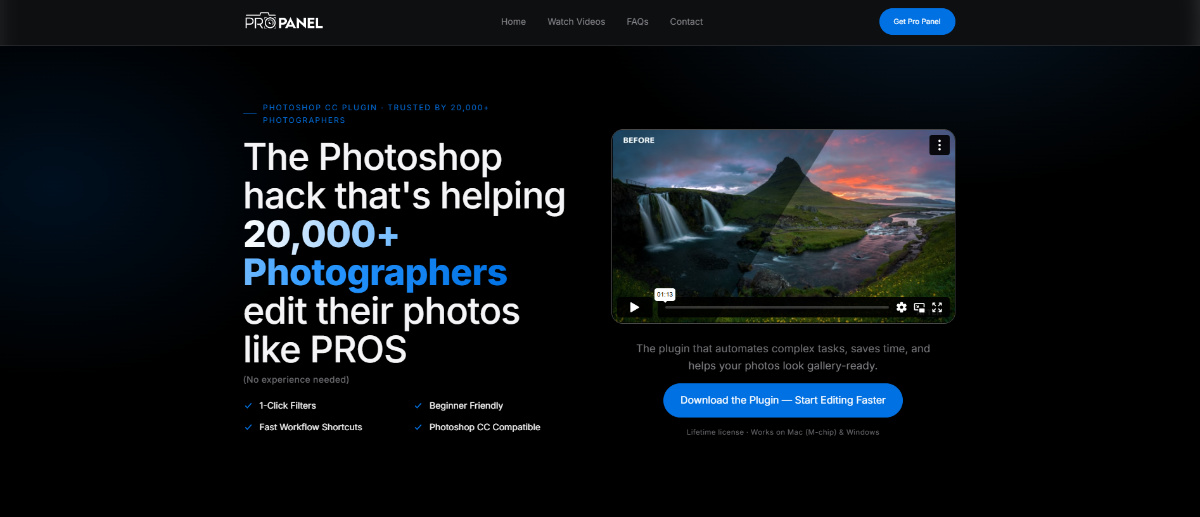
Pro Panel is a streamlined Adobe Photoshop extension designed to speed up real estate, landscape, and architectural editing workflows. It houses pre-programmed actions for exposure blending, sky replacement, image sharpening, and web export resizing.
Pros:
- Designed specifically for landscape and architectural workflows.
- Speeds up routine tasks (Orton Effect, Luminosity setup, Web Sharpening).
- Clean, compact panel interface.
Cons:
- Performs actions that you can technically build manually in Photoshop, given enough time.
Pricing: $49 (One-time purchase).
2. How to choose the right Photoshop add-on or editing strategy
With dozens of top Photoshop plugins on the market, selecting the ideal tool depends on your current business volume, technical skill, and financial resources. Consider these four decision factors:
- Volume vs. capacity: If you photograph 1 to 2 properties a week, learning complex tools like Lumenzia or Photomatix Pro is manageable. If you shoot 4 to 6 properties per day, spending 30–45 minutes manually adjusting luminosity masks or blending brackets per property will create a severe operational bottleneck.
- Technical mastery: AI-based plugins (Luminar Neo) offer speed at the cost of granular control. Masking panels offer maximum control but require deep expertise in Photoshop layers.
- Software cost vs. ROI: While the best free Photoshop plugins like Nik 2012 reduce overhead, professional paid extensions often save enough labor hours to justify their cost within a single project.
- Consistency: Automated plugins can generate inconsistent results across different room lighting conditions. If you need 25 interior shots of a single mansion to maintain identical color casts and exposure levels, manual human retouching remains superior.
3. Why automated plugins aren't enough: The imperative for human editing mastery
Top Photoshop plugins and automated software extensions are valuable tools, but they are not a complete solution.
Real estate photo editing is an art form rooted in structural accuracy and spatial narrative. Software algorithms lack context. An AI engine cannot determine whether a warm glow on a wooden kitchen island is a desirable design feature intended by the architect or an unwanted color cast from a cheap halogen lamp.
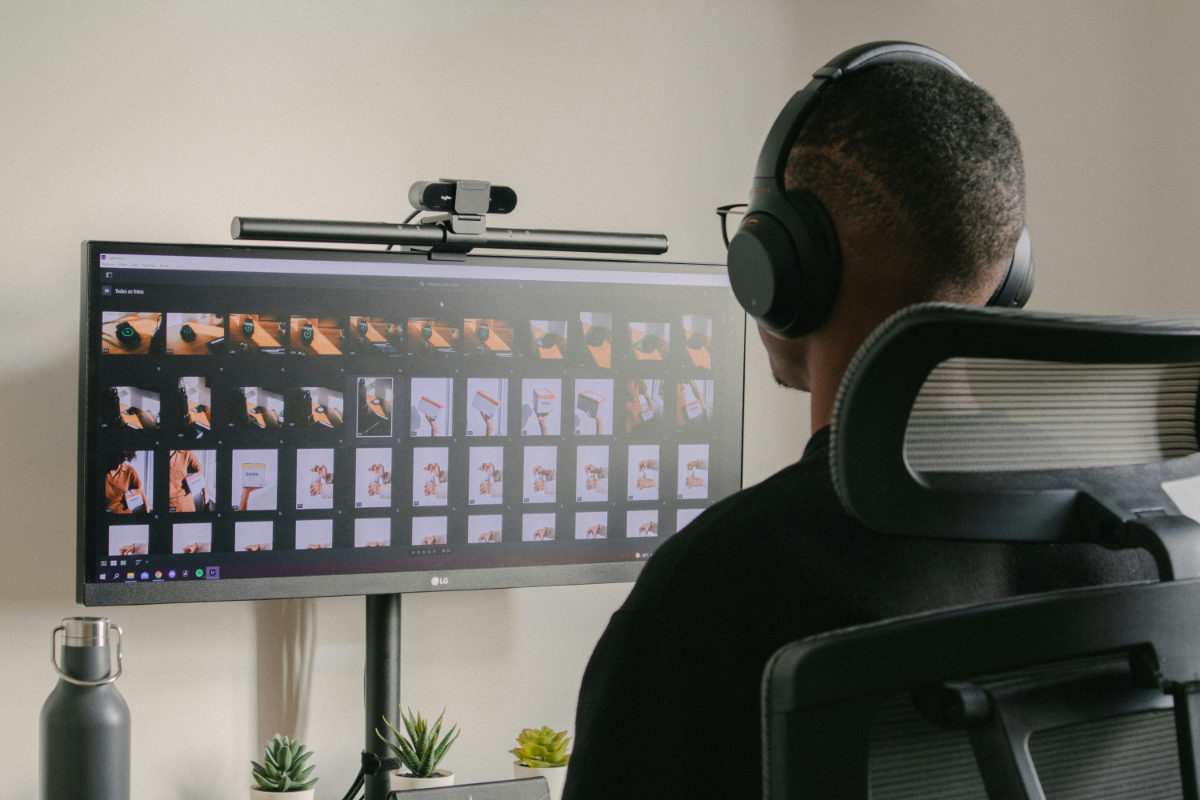
These are the most frequently surfaced limits of AI & plugin automation:
- Inconsistent sky relighting: AI sky replacement tools often misread complex foliage surrounding outdoor patios, leaving halo artifacts around trees and roof soffits.
- Keystoning miscalculations: Automatic alignment tools often skew non-standard architectural designs, such as vaulted ceilings or curved staircases, resulting in unnatural spatial dimensions.
- Window pull failures: Automated exposures frequently fail to handle tinted window glass, turning outdoor yards muddy green or purple.
- Time overhead: Even with fast plugins, editing a 30-image property shoot takes 2 to 3 hours of focused computer labor. That is time stolen from client acquisition, shooting on-location, or spending time with family.
This human-versus-machine dynamic explains why successful real estate media companies use software extensions for quick tweaks, but rely on professional outsourcing teams for heavy post-production workflows.
4. Want to scale your business with a dedicated editing partner instead of top Photoshop plugins?
For real estate photographers, videographers, arch-viz artists, and busy realtors, time is your most finite asset. Spending hours behind a desk manipulating an Adobe Photoshop extension or running batch actions limits your business growth.
This is where Fotober transforms your operations.
|
Your focus |
Fotober handles |
|
On-location shooting |
Flambient & HDR blending |
|
Client relationships |
Lawn enhancement & sky swap |
|
Business development |
Virtual staging & floor plans |
|
Videography & drones |
24-hour turnarounds |
4.1. Complete workflow offloading
Fotober acts as a seamless extension of your creative agency. You shoot the RAW brackets on-location, upload the files to our platform, and receive fully retouched, publication-ready images back within 24 hours.
4.2. Flambient & advanced HDR mastery
Our team of professional retouchers excels where automated plugins fail. We combine ambient light warmth with crisp flash exposures manually, delivering natural, vibrant, and perfectly color-balanced interiors with flawless window views.
4.3. Comprehensive media services beyond Photoshop
While plugins only handle basic image tweaks, Fotober provides a full suite of real estate visual services:
- Real estate photo editing: Single-exposure, multi-bracket HDR, and Flambient processing.
- Virtual staging: Transform empty properties into beautifully furnished homes that attract buyers.
- Day-to-dusk (Twilight) conversions: Turn flat afternoon shots into dramatic golden-hour visuals.
- Floor plan redraws: Convert rough room sketches into polished 2D/3D marketing floor plans.
- Real estate video editing: Professional cutting, color grading, sky enhancements, and speed ramps for property walk-through videos.
4.4. Unmatched cost efficiency and scalability
Building an internal editing team incurs heavy fixed costs: software subscriptions, hardware upgrades, employee benefits, and management overhead. Partnering with Fotober grants you instant access to a dedicated post-production department that scales up or down based on your seasonal shooting volume.
4.5. Quality consistency that keeps clients loyal
Realtors demand visual consistency across all their property listings. Fotober assigns dedicated editors to your account who learn your custom shooting style, color preferences, and brand standards, ensuring every delivery matches your exact signature look.
5. Conclusion
Enhancing your post-production setup with the top Photoshop plugins, or utilizing the best free Photoshop plugins like Nik Collection 2012, will indisputably boost your individual editing speed. These tools belong in every digital media creator’s toolkit. However, software alone cannot scale a media business. To double your shooting volume, win high-value commercial accounts, and reclaim your personal freedom, you need a reliable production engine working behind the scenes.
Stop spending your nights editing photos. Partner with Fotober today, and elevate your real estate photography and videography business to the next level.
- Facebook: fotobermedia.co
- YouTube: Fotober
- TikTok: @fotober
- Instagram: fotober_media.
6. Frequently asked questions about top Photoshop plugins
What is the single best free Photoshop plugin for real estate photo editing?
The legacy Google Nik Collection 2012 remains one of the best free Photoshop plugins available. Its Color Efex Pro module offers exceptional pro-contrast and color-cast removal tools that rival modern paid plugins.
Are AI plugins enough to edit high-end architectural photos?
No. While AI plugins like Luminar Neo work well for basic sky swaps or fast dust removal, they lack the nuanced precision required for high-end architectural images. Premium luxury listings demand manual layer masking, precise color temperature control, and custom window exposure blending.
Why should I outsource to Fotober instead of editing with Photoshop plugins myself?
Outsourcing to Fotober eliminates post-production bottlenecks. Instead of spending 2 to 3 hours editing a single project using a Photoshop add-on, you can outsource the batch to Fotober, receive completed assets in 24 hours, and use those saved hours to shoot more properties or acquire new clients.
Related posts

What Drives Mortgage Rates? Explain The Forces Behind 2026's Numbers
October 29, 2026
Dallas vs. Los Angeles Housing Market: Comparing Prices & Supply
October 29, 2026
Orlando Population Growth in 2026: Trends & Housing Demand
October 26, 2026
Cincinnati Housing Market 2026: What Should Buyers & Sellers Expect?
October 20, 2026
